Author: Prodiify320502@user

  • Shopify Collection Page SEO- 9 Fixes to Get More Traffic

    Shopify Collection Page SEO- 9 Fixes to Get More Traffic

    Shopify collection page SEO is a quiet opportunity: these pages match broad searches like “leather wallets” better than any single product can.

    Think about how people shop. Few start by searching for one exact product. Most search for a category: “leather wallets”, “running shoes”, “soy candles”. The page that best matches that search is usually a collection page, not a product page.

    Yet most stores treat collections as an afterthought: a title, an empty description and a grid. That leaves traffic on the table. Shopify collection page SEO is the work of making those category pages clear, unique and useful, and this guide gives you a nine-point checklist and a copy-ready example.

    Why Collection Pages Deserve Attention

    A collection page groups products around one need. That makes it a natural match for searches that name a category rather than a specific item. Shopify’s own ecommerce guidance explains that collection descriptions appear at the top of the collection page and give search engines content to understand what the collection contains.

    Collection pages also help shoppers. A clear one reduces clicks between landing and finding a product, which one checklist notes benefits both UX and SEO.

    Where to Edit Collection SEO Settings

    You edit titles and meta descriptions for collections in the same place as products. One guide gives the path: Products > Collections > chosen collection > Search Engine Listing Preview > Edit website SEO. The collection title and description themselves are edited at the top of the same page.

    The 9-Point Checklist

    1. Start With Real Demand

    Do not create collections just because you can. One guide advises to start with keyword research and not create collections without demand, with each collection targeting one main topic. Check what shoppers actually search for before you name or add a collection.

    2. Give Each Collection One Clear Topic

    Overlapping collections confuse both shoppers and search engines. The same guide recommends to avoid overlapping categories that confuse search engines. If two collections contain nearly the same products, merge them or make their purpose clearly different.

    Keep the total moderate too. One guide notes that SEO best practices recommend keeping the number of collection pages to a moderate amount.

    3. Use a Keyword-Aware Collection Title

    Your collection title is what shoppers and search engines use to identify the page. A guide points out that a catchy name like “the best shoes in the world” does not contain relevant keywords. Name collections the way shoppers search for them: “Men’s Running Shoes” beats “Fast Feet”.

    4. Write a Clean URL

    Keep the URL short and descriptive. One guide gives the example of a beach towels collection with the URL yourstore.com/collections/beach-towels. Avoid dates, codes and long strings.

    5. Set a Unique SEO Title and Meta Description

    Collections have their own title tag and meta description, and both should be unique. A Shopify Community reply sums up the standard: make sure each collection has unique titles, H1 tags and meta descriptions. An agency that has optimized many collection pages reports that weak titles and generic meta descriptions lead to missed clicks, even when the page is ranking well.

    For the formula and length guidance, see our guides to Shopify product title SEO and the Shopify product meta description. The same principles apply to collections.

    6. Add a Useful Collection Description

    An empty collection page gives search engines little to read. A good description explains what the collection is, who it is for and how to choose.

    • Keep it focused. One guide suggests keeping it under 300 words, ideally around 150, using keywords and avoiding empty adjectives or bloated language.
    • Do not bury the products. Another source recommends short intro copy of one to two sentences, with products staying visible below. If you want longer text, many stores put it below the product grid.
    • Answer the question behind the search. According to one agency, the best collection descriptions answer the question behind the search, not just the keyword itself

    7. Make the Product Grid Do Some of the Work

    The titles of the products inside a collection feed the page’s content. One guide notes that descriptive yet concise product titles that include key features and important keywords will improve the SEO score of your collection page. Clear product titles and image alt text help here. See our guide to Shopify image alt text.

    8. Offer Filters, but Watch the Duplicate URLs

    Filters and sorting help shoppers narrow down results. Shopify merchants have noticed a side effect: a Shopify Community thread titled “Filter in collection pages creates its own URL” shows that filtered views can generate separate URLs. That is one way duplicate titles appear. Read our guide to Shopify duplicate meta titles for how to spot and handle them.

    On sub-collections, a Shopify Community reply advises to avoid filtered or sub-collections, since they are typically non-indexable or non-canonical, and create distinct, separate collections instead. This can be more tedious, but it keeps each collection a clear, indexable page.

    9. Link Collections Together

    Link from your homepage, navigation and related pages to your important collections, and link between related collections. A collection FAQ is another helpful addition. One guide notes that an informative collection FAQ is a chance to use keywords without stuffing them into page descriptions.
    A Copy-Ready Example

    Here is a before and after for an imaginary leather goods store.

    ElementBeforeAfter
    Collection titleOur FavoritesLeather Wallets
    URL/collections/frontpage-2/collections/leather-wallets
    SEO titleOur FavoritesLeather Wallets: Slim, Bifold and Travel
    Meta description(blank)Handmade leather wallets in slim, bifold and travel styles. Compare sizes and card capacity, then pick your fit.
    Intro description(blank)Find the right leather wallet for daily carry or travel. Browse slim, bifold and passport styles, all made from full-grain leather.

    All details here are samples. Replace them with facts about your own products. If you change a URL handle, set up the redirect Shopify offers so the old link keeps its value.

    Your Action Plan for Shopify Collection Page SEO

    A clear Shopify collection page SEO plan can fit into a single afternoon for your top collections.

    1. List your collections and their traffic. Start with the three to five that matter most.
    2. Check for overlap. Merge or clarify collections that contain almost the same products.
    3. Rename vague collections with the words shoppers actually use.
    4. Set unique SEO titles and meta descriptions in Search engine listing.
    5. Add a short intro above the grid, and longer text below if needed.
    6. Review the product titles inside each collection.
    7. Check filters and tags for duplicate or unnecessary pages.
    8. Link to your top collections from your homepage and menu.
    9. Revisit in a few weeks and compare results.

    Common Mistakes

    • Empty collection descriptions
    • Vague names like “Best Sellers 2” or “Our Favorites”
    • Pushing products down the page with a huge block of text
    • Copying the same description across collections
    • Keyword stuffing. See our guide on keyword stuffing on Shopify.
    • Too many near-duplicate collections
    • Ignoring filter and tag URLs

    Collections Work Best With the Rest of the Store

    Collection pages bring the shopper in. The rest of the journey has to keep them.

    Get Help Writing Product Content, One Product at a Time

    Collection pages are only as strong as the products inside them. Prodiify helps with that part. The AI SEO app for Shopify stores helps you write and refine titles, descriptions and meta content for each product, so your collection grids are filled with clear, specific listings. Always review the result so it stays accurate. For the visual side of your product pages, Prodiify MediaXL adds drag-and-drop blocks (Banner/Hero, Image + Text, Feature List, Gallery, Video and Carousel), with no theme edits and no code.

    FAQs About Shopify collection page SEO?

    1.What is Shopify collection page SEO?
    It is the practice of making your collection pages clear and findable: keyword-aware titles and URLs, unique SEO titles and meta descriptions, helpful descriptions, good product titles inside the grid and sensible filters and internal links.

    2.Should I add a description to every collection?
    Yes, for your main collections. A short, useful description helps shoppers choose and gives search engines text to understand the page.

    3.How long should a collection description be?
    Guides suggest keeping it focused: roughly 150 words, with an upper limit near 300. Keep the products visible, and put longer text below the grid if you need it.

    4.Are sub-collections bad for SEO?
    They can be, because filtered or nested views are often non-indexable or non-canonical. A Shopify Community reply suggests creating distinct, separate collections instead.

    5.Do collection pages really bring search traffic?
    They match broad category searches better than single product pages, so they are a strong opportunity. Results depend on competition, content quality and your store’s authority.

    Conclusion: Shopify Collection Page SEO Starts With Your Top Collections

    You do not need to rebuild your catalog. Pick your three to five most important collections, give each a clear name, URL, title, description and intro, and review the products inside. Do this well and your category pages can start earning the broader searches that single products struggle to win.
  • Shopify Product Meta Description: A Simple Formula for Snippets Shoppers Click

    Shopify Product Meta Description: A Simple Formula for Snippets Shoppers Click

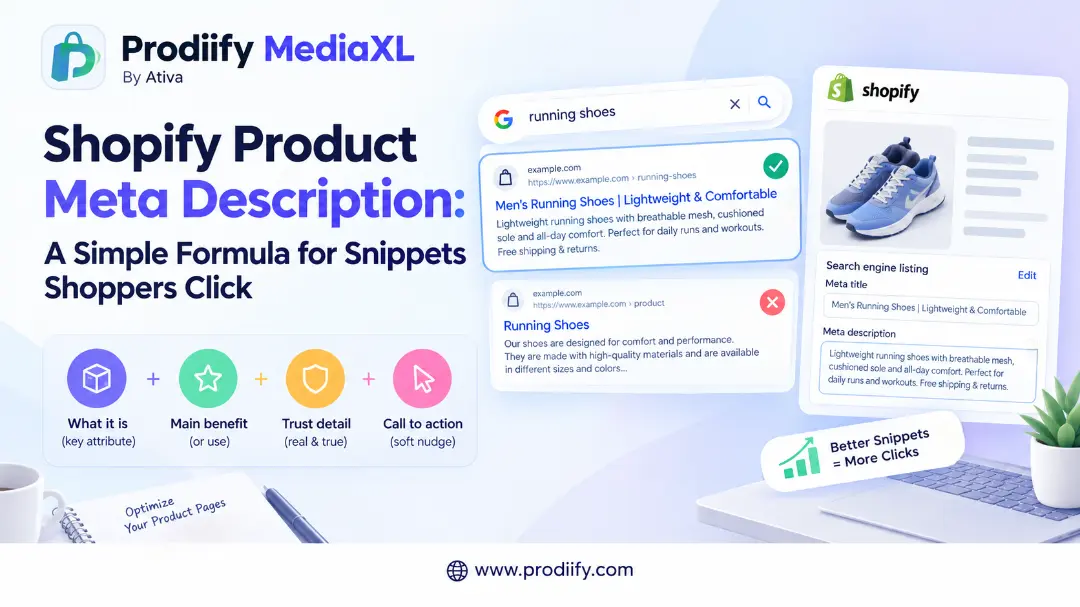
    A Shopify product meta description will not rank your page by itself, but it can decide whether a searcher clicks yours or a competitor’s.

    Picture two search results for the same product. The first has a clear title and a short line underneath: what it is, who it is for and why it is worth a click. The second shows a random chunk of text pulled from the middle of the page.

    Which would you click? That small line of text is the meta description, and for most stores it is left empty or copied across hundreds of products. This guide shows you where to write a Shopify product meta description, what to put in it, how long it should be and how to avoid the mistakes that waste it.

    What a Meta Description Does (and Does Not Do)

    A meta description is the short summary shown under your page title in search results. It does not directly raise your rankings. As one Shopify guide puts it, meta descriptions do not matter for Google rankings, but they matter for click-through rates.

    Think of it as ad copy. One guide describes it as your ad copy in search results, which should give a reason to click. That makes it worth writing well, especially for your best sellers.

    One honest limit: Google does not always use what you write. A Shopify guide notes that Google also rewrites titles and descriptions when it thinks other text on the page matches the search better, and no length guarantees Google will use your text. A clear, accurate description that matches the page makes a rewrite less likely, but you cannot control it fully.

    Where to Edit It in Shopify

    You edit the meta description in the same place as your SEO title, not in the Metafields panel. One guide confirms that meta descriptions are in the Search engine listing section at the bottom of each product, collection or page editor.

    For a product:

    1. In your Shopify admin, go to Products and open the product.
    2. Scroll to the bottom to Search engine listing.
    3. Click Edit.
    4. Write your text in the Meta description field.
    5. Click Save.

    For collections, the steps are the same, starting from Products > Collections. The homepage title and description are under Online Store > Preferences.

    What Happens If You Leave It Blank

    If you skip it, Google builds its own snippet. A Shopify guide explains that if you leave the field blank, Google can generate a snippet from visible page content, and on Shopify product pages the product description can also supply the fallback. That is not always bad, but it is often a random sentence rather than your best pitch. shopify

    The 4-Part Formula

    Use this structure:

    [What it is + key attribute] + [Main benefit or use] + [A detail that builds trust] + [A soft call to action]

    PartWhat to writeExample
    What it isProduct type and key attributeSlim handmade leather wallet
    Benefit or useWhy it is usefulHolds 8 cards, fits front pockets
    Trust detailSomething specific and trueRFID-safe, free returns
    Call to actionA short nudgeShop colors

    Result: Slim handmade leather wallet that holds 8 cards and fits front pockets. RFID-safe with free returns. Shop colors.

    Add only trust details that are true for your store, such as your real return policy.

    Before and After Examples

    Weak descriptionBetter description
    Shop our high-quality products at great prices.Waterproof hiking boots with grippy soles for wet trails. Sizes 6 to 13 in two colors. Shop now.
    CandleHand-poured 8 oz soy lavender candle in a recycled glass jar. Clean-burning wax for a calm evening. Order today.
    Blue tee, cotton, buy now, best tee, cheap teeOrganic cotton crew neck tee in 6 colors, sizes S to 3XL. Soft, pre-shrunk and easy to wear. See sizes.
    (blank)500 ml insulated steel bottle that keeps drinks cold for hours. Fits cup holders, leak-resistant lid. Shop colors.

    The first row shows a very common mistake. According to one guide, writing the same description for every product, such as “Shop our high-quality products” on 200 products, tells Google nothing unique about each page.

    All examples above are samples. Replace the details with facts that are true for your own products.

    How Long Should It Be?

    There is no single rule. Google does not set a fixed limit. A Shopify guide explains that Google does not set a fixed character or pixel limit for meta descriptions and truncates snippets as needed to fit the device and layout.

    In practice, most guides suggest a range:

    • Many sources recommend about 150 to 160 characters.
    • One guide advises keeping the first 120 characters clear and impactful for mobile users.
    • Another suggests staying under 155 characters.

    A safe approach is to put the most important information first and aim for roughly 120 to 155 characters, so the key message survives even if the end is cut.

    Your Writing Plan for Every Shopify Product Meta Description

    A clear Shopify product meta description takes a couple of minutes per product when you follow this plan.

    1. Start with your top ten products. Pick the best sellers or highest-traffic pages first.

    2. Match the title. Your meta description should support your SEO title, not repeat it. If you need help with titles, read our guide to Shopify product title SEO.

    3. Lead with what it is and why it matters. Put the product type and the main benefit in the first sentence.

    4. Add one specific detail. Size range, material, color options or a real policy. Specifics beat adjectives like “best” and “high quality”.

    5. End with a soft nudge. “Shop colors”, “See sizes” or “Order today” is enough.

    6. Make each one unique. Similar products should still get different descriptions.

    7. Preview before saving. The Search engine listing preview shows how your page may appear.

    Common Mistakes

    • Leaving it blank on your best sellers
    • Copying the same text across many products
    • Keyword stuffing. A pile of repeated phrases reads badly and does not help. See our guide on keyword stuffing on Shopify.
    • Copying the product description word for word
    • Making claims you cannot back up, such as “best in the world”
    • Writing for search engines only. A reader should want to click.
    • Duplicating titles and descriptions. If you also see repeated titles, read our guide to Shopify duplicate meta titles.

    Meta Descriptions Work Best With the Rest of the Page

    A good snippet earns the click. The page then has to deliver.

    Get Help Writing Descriptions, Product by Product

    Writing a distinct meta description for every product takes time. Prodiify helps here. The AI SEO app for Shopify stores helps you write and refine titles, descriptions and meta content one product at a time, so you start from a draft rather than a blank box. Always review the result so it stays accurate and matches your brand. For the visual side of your page, Prodiify MediaXL adds drag-and-drop blocks (Banner/Hero, Image + Text, Feature List, Gallery, Video and Carousel) to product pages, with no theme edits and no code.

    A 20-Minute Routine

    1. Pick your top five products.
    2. Open each one and scroll to Search engine listing.
    3. Write a unique description using the 4-part formula.
    4. Check that the first sentence says what it is and why it matters.
    5. Save, then repeat with five more next week.

    FAQs about Shopify product meta description

    1.What is a good Shopify product meta description?

    A short, specific summary that says what the product is, why it is useful and what makes it trustworthy, ending with a soft call to action. It should be unique to that product and written for a person, not a search engine.

    2.How long should a Shopify product meta description be?

    Google does not set a fixed limit, but most guides suggest around 150 to 160 characters. Put the key message in the first 120 characters so it survives truncation on mobile.

    3.Does a meta description help rankings?

    Not directly. It mainly influences whether people click your result. Clear titles, helpful content and good page experience matter more for rankings.

    4.Where do I edit it in Shopify?

    Open the product, scroll to the Search engine listing section, click Edit, write the Meta description and save.

    5.Why does Google show a different description from the one I wrote?

    Google sometimes rewrites descriptions when it thinks other text on your page matches the search better. A clear, accurate description that matches your page makes this less likely, but there is no guarantee.

    Conclusion: A Better Shopify Product Meta Description Is a Small Edit With Real Payoff

    You do not need to rewrite your whole store. Start with your best sellers, write a clear Shopify product meta description for each, and make every one unique. It takes a couple of minutes per product, and it can be the line that wins the click.

  • How to Convert AI Traffic on Shopify: AI Sends the Shopper, Your Product Page Closes the Sale

    How to Convert AI Traffic on Shopify: AI Sends the Shopper, Your Product Page Closes the Sale

    How to convert AI traffic on Shopify, what AI-referred shoppers expect, and 7 product page fixes to close the sale.

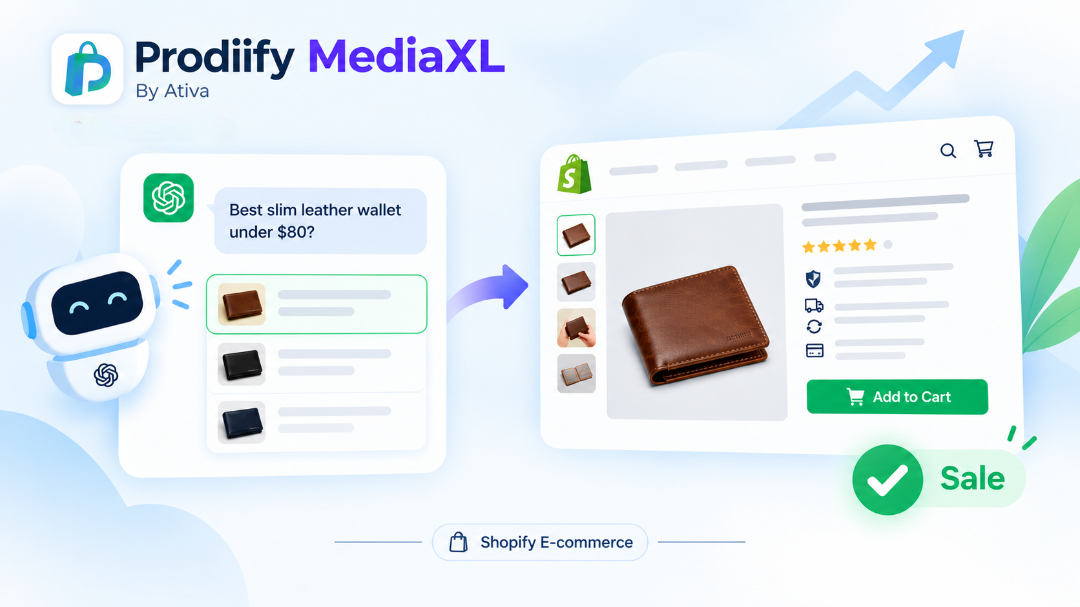
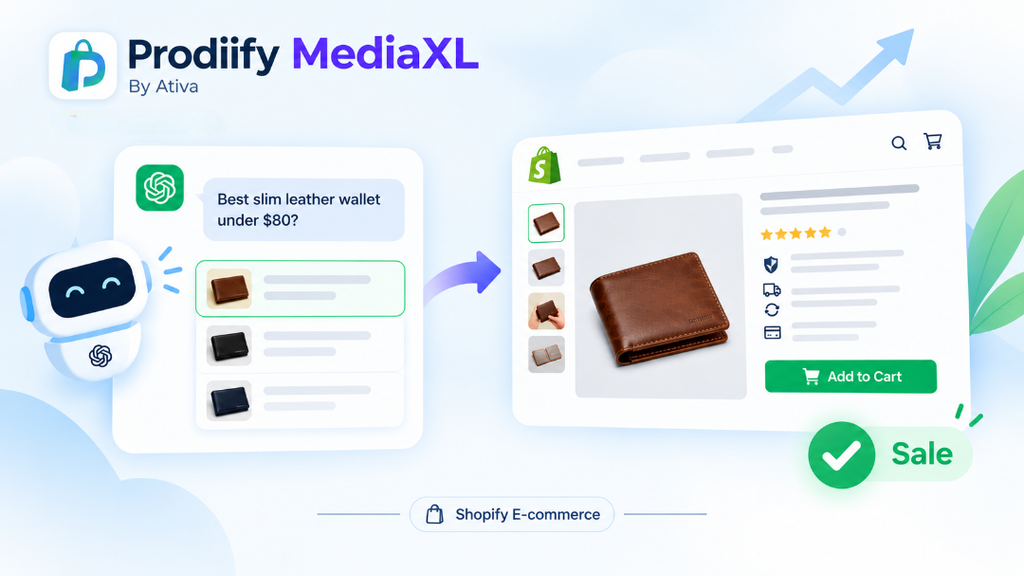
    A shopper types a question into ChatGPT: “best slim leather wallet under $80.” A short list comes back. They click your store. Then what?

    This is the part most merchants skip. Everyone is talking about how to get recommended by AI. Far fewer people talk about what happens in the ten seconds after the click. If you want to convert AI traffic on Shopify, you have to treat discovery and conversion as two separate jobs. AI does the first one. Your product page does the second.

    This guide explains why AI-referred shoppers behave differently, what they expect when they land, and seven fixes that make your product page ready to close the sale.

    Why AI Traffic Is Growing (And Why It Matters Now)

    On Shopify’s Q1 2026 earnings call, the company said AI-driven traffic to Shopify stores grew 8x year over year, while orders from AI-powered searches rose nearly 13x. Orders growing faster than traffic is a useful signal: shoppers who arrive from AI tools tend to arrive with intent.

    If you want the bigger picture, read our guide to Shopify agentic commerce.

    With BFCM close, this matters even more. A product page that was “good enough” in a quiet month will leak sales when buyers show up with a specific question and a short attention span.

    AI Discovery Is Step One. The Sale Still Happens on Your Page

    AI assistants are good at narrowing options. They are not your checkout. In most cases today, the shopper still lands on the store’s own website to check the details, trust the brand and pay.

    That gives you a simple way to think about it:

    1. AI discovery: your product is understood and mentioned.
    2. Product page: the shopper confirms the details and decides to buy.

    If step one works and step two does not, you get traffic and no revenue. If you have not tested step one yet, start with our free test: how to check if ChatGPT recommends your products. To improve your chances of being included in the first place, read how to get your Shopify products in ChatGPT.

    How AI-Referred Shoppers Behave Differently

    A shopper who finds you through a generic Google search might browse around. A shopper who arrives from an AI answer usually has already:

    • described exactly what they want (a use case, a budget, a material)
    • seen a short list instead of ten pages of results
    • been told, in a sentence or two, why your product fits

    So when they land, they are not asking “what is this store?” They are asking, “Does this page confirm what the AI just told me?” If the page answers that fast, they buy. If it is vague, thin or contradicts the answer, they leave and go back to the list.

    7 Fixes to Convert AI Traffic on Shopify

    1. Make the title say what it is and who it is for

    The first thing an AI-referred shopper reads should match the question they asked. “The Voyager” tells them nothing. “Slim Leather Travel Wallet for Men, RFID Blocking” does. Put the product type, the key attribute and the audience in the title.

    2. Write out materials, sizes and specs

    Shoppers (and AI tools) want facts they can check quickly: materials, dimensions, weight, compatibility, care instructions. Do not hide them inside an image. Put them in text on the page. Our guide to enhanced product descriptions on Shopify shows a clear format you can copy.

    3. Add use cases and “good for” lines

    AI prompts are full of situations: “gift for a dad,” “for a weekend trip,” “for sensitive skin.” Add short “good for” lines that mirror those situations. It helps AI tools understand the product, and it helps the shopper see themselves using it.

    If you need help drafting these, try these ChatGPT prompts for Shopify product descriptions or a Shopify product description generator.

    4. Show the product clearly, and add alt text to every image

    Images carry a lot of the buying decision. Use clear photos from several angles, lifestyle shots and a size reference. Then write descriptive alt text for each one. It supports accessibility and gives search tools a text description of what the image shows.

    5. Fill in your meta description

    Your meta description will not rank you by itself, but it shapes what shows up in search results and previews. Write one that matches the real product, with the key attribute and a clear benefit. Skipping it leaves the wording up to whatever the platform guesses.

    6. Build trust right on the page

    A shopper who arrived through an AI answer still has to trust you. Put these where they are easy to see:

    • reviews and ratings
    • shipping times and costs
    • return policy
    • payment and security reassurance

    If you sell on marketplaces too, our post on Shopify vs Amazon product pages shows where Shopify pages usually fall short on this.

    7. Make the page rich, not flat

    Plain text and a few photos can leave a page feeling thin. Richer layouts (a hero banner, image-and-text sections, feature lists, a gallery, video) help explain a product faster. See our guide to Shopify product page design, and learn more about A+ Content for Shopify.

    Quick Product Page Checklist

    Check your top three products against this list:

    • Title says what it is and who it is for
    • Materials, sizes and specs written out in text
    • Use cases and “good for” lines added
    • Alt text on every image
    • Meta description filled in
    • Reviews, shipping and returns visible
    • Clear call to action above the fold

    Missing two or more? Fix those products first. Start with your best sellers, since that is where an improvement pays off fastest.

    Common Mistakes That Kill AI Traffic Conversions

    • Vague titles and thin descriptions. The page does not confirm what the AI said.
    • Specs buried in images. Shoppers cannot scan them and tools cannot read them.
    • Keyword repetition instead of detail. Repeating a phrase adds no new information. See our post on keyword stuffing on Shopify.
    • Ignoring the basics. Titles, meta content and a healthy site help every channel. Work through our Shopify SEO checklist and Shopify technical SEO checklist.
    • Treating AI visibility as the finish line. Being mentioned is only half the job.

    How Prodiify Helps You Do Both Jobs

    AI discovery and conversion both depend on the same thing: clear, complete, specific product information.

    Prodiify is built for both sides. The AI SEO app for Shopify stores helps you improve titles, descriptions, tags and alt text product by product, so your listings are easier for AI tools and search engines to understand. Prodiify MediaXL then adds drag-and-drop A+ Content blocks to your product pages, with no theme edits and no code, so the page is stronger once the shopper arrives.

    If you want a ready-made format to follow, our guide to the AI product description generator for Shopify is a good place to start.

    Your Action Plan Before BFCM

    1. Pick your top three products.
    2. Check each one against the seven fixes above.
    3. Improve titles, descriptions, alt text and meta descriptions first.
    4. Add richer content blocks to your best sellers.
    5. Run a few shopper-style prompts in a fresh ChatGPT session and see whether you appear.
    6. Repeat every few weeks and compare.

    FAQs About How to Convert AI Traffic on Shopify

    1. How do I convert AI traffic on Shopify?

    Make sure the product page confirms what the shopper just read in the AI answer: a clear title, written-out specs, use cases, good images with alt text, visible trust signals and a filled-in meta description.

    2. Does AI traffic convert better than other traffic?

    Shopify reported that orders from AI-powered searches grew faster than AI traffic itself, which suggests these shoppers arrive with strong intent. Results still depend on your store, your category and how complete your product pages are.

    3. Do shoppers buy inside ChatGPT or on my store?

    In most cases today, the shopper still goes to the store’s own website to review details and complete the purchase. That is why your product page still matters. This area is changing fast, so keep an eye on platform updates.

    4. What should I fix first on my product pages?

    Start with your top three best sellers. Fix titles, specs, use cases, alt text and meta descriptions before anything else.

    5. Can I guarantee AI tools will recommend my products?

    No. Platforms apply their own logic and nobody can promise a recommendation. Clear, accurate and complete product information improves your chances of being understood and considered.

    Conclusion: AI Sends the Shopper, Your Product Page Closes the Sale

    AI discovery is a real opportunity, but it is only the first half of the journey. To convert AI traffic on Shopify, make your product pages clear, specific and trustworthy, so the shopper who arrives finds exactly what the AI promised.

    Fix your top three products before BFCM, then test again.

  • Shopify Duplicate Meta Titles- Why They Happen and How to Fix Them

    Shopify Duplicate Meta Titles- Why They Happen and How to Fix Them

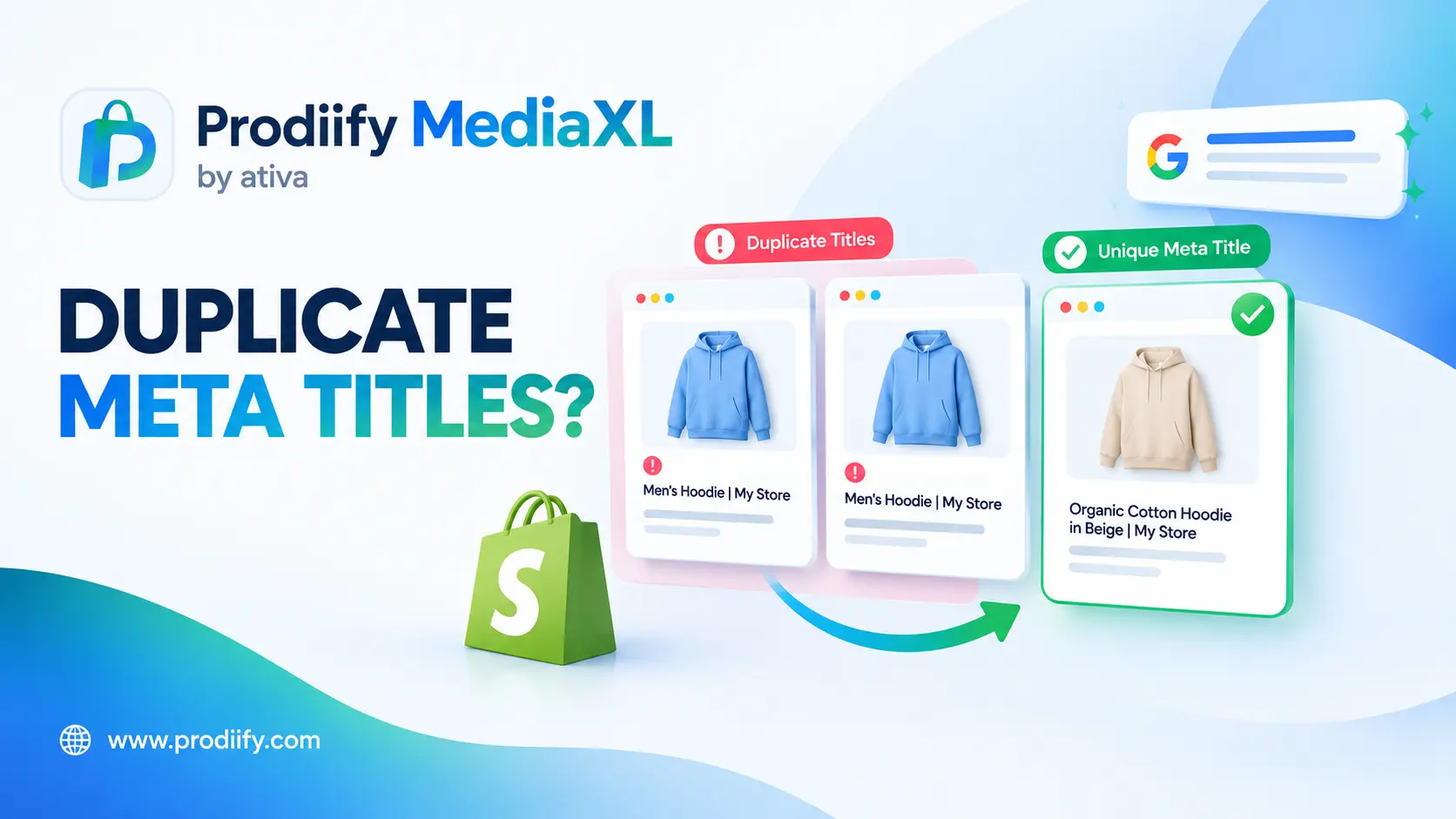
    Shopify duplicate meta titles are one of the most common warnings in SEO audits, and usually one of the easiest to clear.

    You run an SEO scan, and the report says 13 pages have duplicate metadata. You have not copied anything. Your products are different. So what is going on?

    In most cases, Shopify duplicate meta titles are not caused by lazy writing. They come from how the platform generates pages: paginated collections, product URLs inside collections, tag pages and blank SEO fields. This guide explains each cause, how to find the duplicates and the order to fix them in.

    What Is a Meta Title, and Why Does Duplication Matter?

    A meta title (also called a title tag or SEO title) is the headline that appears for your page in search results and in the browser tab. By default, Shopify builds it from the page title. As one guide notes, by default Shopify pulls the product title into the title tag, then appends the store name.

    When many pages share the same title, search engines and shoppers cannot tell them apart. That makes it harder for the right page to show for the right search, and it wastes a chance to describe each page clearly. Duplicate titles also flag a deeper issue worth checking: duplicate content. Our Shopify technical SEO checklist covers more of those checks.

    Where Duplicate Titles Come From

    Here are the five most common sources, with what to do about each.

    CauseWhere it shows upTypical fix
    Paginated collections/collections/shoes?page=2, ?page=3Add the page number to the title, or use canonicals or noindex
    Product URLs inside collections/collections/summer-sale/products/yellow-shortsCheck that canonical tags point to the main product URL
    Tag pagesFiltered tag URLs such as /collections/all/tagReview and noindex or remove pages you do not need
    Blank or default SEO titlesProducts with no custom titleWrite a unique SEO title for each
    Same title on similar productsNear-identical items with copied titlesMake titles specific to each product

    1. Paginated Collection Pages

    This is the big one. A merchant on the Shopify Community asked why Bing flagged duplicate titles on pages 1, 2 and 3 of every collection. A Shopify Community reply explained that this is normal behavior: by default Shopify uses the same title for all paginated collection URLs, so Bing detects them as duplicates.

    2. Products Reachable Through Collections

    On Shopify, a product can be reached through its main URL and through a collection path. One guide explains that product URLs under /collections/…/products/ can duplicate the original product page. A common companion issue, according to another source, is that a product that appears in more than one collection or uses multiple tags can be reached through different URLs.

    The good news: most Shopify pages, such as products and collections, come with built-in canonical tags by default. The fix is mostly to confirm they are working, especially after theme or app changes.

    3. Tag Pages

    Tags on products and blog posts can generate their own pages. One agency explains that product tags create separate category pages listing every product in that tag. If those are indexed and share titles, they will show up as duplicates.

    4. Blank or Default SEO Fields

    If you never fill in the Search engine listing section, Shopify falls back to defaults. For stores with similar product names, this produces repeated titles. Our guide to Shopify product title SEO shows how to write a unique one for each product.

    5. Apps and Theme Code

    Sometimes the cause is code you did not write. One Shopify Community responder suggested the issue may stem from previously installed apps that modified meta tag code, and recommended a code audit to find conflicting tags.

    How to Find Duplicate Meta Titles

    You do not need to guess. Use these in order:

    1. Google Search Console. Check the Pages report for duplicate and canonical issues. One guide recommends using it to spot duplicate pages.
    2. Bing Webmaster Tools. Bing flags duplicate titles clearly, as the community example above shows.
    3. An SEO crawler. The merchant in the community thread used Ubersuggest, which reported 13 pages with duplicate meta data. Any site crawler will give you a list.
    4. A quick search operator. Type site:yourstore.com/collections/all/ into Google to see tag-style pages that may be indexed. This tip comes from the Go Fish Digital guide.

    Export the list into a spreadsheet and group the URLs by type (collections, pagination, products, tags). That tells you which fix to apply to each group.

    Your Fix Plan for Shopify Duplicate Meta Titles

    Work through Shopify duplicate meta titles in this order, from the highest impact to the lowest.

    1. Write a unique SEO title for every product– Open each product, scroll to Search engine listing, and write a title that says what the product is. Start with your top sellers. Aim for roughly 50 to 60 characters, as suggested in community advice. Make sure similar products do not share the same wording.

    2. Give collections unique titles and descriptions– For duplicate descriptions across collection pages, the Shopify Community guidance was to manually add unique meta descriptions for each paginated collection page via Edit website SEO in Shopify admin.

    3. Handle pagination– Community responders offered three routes:

    • Dynamic titles that include the page number, such as “Baby Girl All – Page 2”.
    • Canonical tags that point to page 1.
    • Noindex on paginated URLs, which one responder called the cleanest approach.

    A common snippet shared by community members appends the page number to the title tag in your theme code: {% if current_page > 1 %} - Page {{ current_page }}{% endif %}. Back up your theme before you edit it, and test the result on a duplicate copy first. If you are not comfortable with code, ask a Shopify expert or your theme developer.

    4. Review tag pages and old collections– Remove or noindex tag pages and outdated collections that no longer serve a purpose. One guide advises to check newly created tags and collections before publishing and audit canonical tags after theme updates.

    5. Audit apps and theme code– If you find conflicting tags, review recently installed or removed apps. If a theme developer made custom edits, ask them to check.

    6. Re-check after a few weeks– Search engines need time to recrawl. Run the same scan again and compare.

    Common Mistakes When Fixing Duplicate Titles

    • Changing titles to random variations just to look different. Each title should describe its page clearly.
    • Stuffing keywords. See our guide on keyword stuffing on Shopify for what to write instead.
    • Editing theme code without a backup.
    • Changing a URL handle without a redirect. If you change a handle, use the redirect Shopify offers.
    • Ignoring blog tags, which can also create duplicate pages.
    • Assuming it is a theme bug. As the community reply noted, it is usually normal Shopify behavior that needs a configuration choice.

    Better Titles Come From Better Page Content

    Unique titles are easier to write when each page has clear, unique content behind it.

    Get Help Writing Unique Titles, Product by Product

    Writing a distinct title for every product takes thought. Prodiify helps here. The AI SEO app for Shopify stores helps you write and refine titles, descriptions and other product content one product at a time, so you start from a draft rather than a blank box. For the visual side of your page, Prodiify MediaXL adds drag-and-drop blocks (Banner/Hero, Image + Text, Feature List, Gallery, Video and Carousel) to product pages, with no theme edits and no code.

    A 20-Minute Audit You Can Do Today

    1. Run a free crawl or open Search Console and Bing Webmaster Tools.
    2. Export the duplicate titles and group them by type.
    3. Fix your top ten products first with unique SEO titles.
    4. Decide your approach for paginated collections: page numbers, canonicals or noindex.
    5. Re-run the scan in a few weeks.

    FAQs About Shopify duplicate meta titles

    1.What causes Shopify duplicate meta titles?

    The most common causes are paginated collection pages that share one title, product URLs reachable through collections, tag pages, blank SEO fields and conflicting app or theme code.

    2.Do Shopify duplicate meta titles hurt SEO?

    They make it harder for search engines to tell your pages apart and waste a chance to describe each page clearly. Treat them as a signal to review your page structure, and fix the ones on your most important pages first.

    3.Is it a theme problem?

    Usually not. As a Shopify Community reply explained, it is normal behavior in Shopify for paginated collection URLs to share one title, so it needs a configuration choice rather than a new theme.

    4.Should I use canonical tags or noindex for paginated pages?

    Both are options. Canonical tags point search engines to the main page, while noindex keeps paginated URLs out of search results. Community responders described noindex as the cleanest approach, but the right choice depends on your store, so test what works for you.

    5.How often should I check for duplicate titles?

    Run a scan after theme updates, app installs and large catalog changes, and at least once every few months.

    Conclusion: Fixing Shopify Duplicate Meta Titles Starts With the Pages That Matter Most

    You do not need a full technical overhaul to clear Shopify duplicate meta titles. Find the duplicates, group them by cause, and fix your top sellers and main collections first. Unique, clear titles help search engines and shoppers understand each page, and they are one of the cheapest improvements you can make.

  • Shopify Product Title Optimization- 4 Tips to Rank Better

    Shopify Product Title Optimization- 4 Tips to Rank Better

    Shopify product title SEO comes down to clarity: tell shoppers and search engines exactly what you sell

    Most Shopify product titles are written once, in a hurry, and never touched again: a supplier name, a SKU, or just “Classic Watch”. Yet the title shows up everywhere. It appears on your product page, in collection grids, in search results and in the product lists AI shopping tools read.

    Getting your Shopify product title SEO right is one of the quickest improvements you can make, because it costs nothing and applies to every product. This guide gives you a formula, the length to aim for, the difference between your product title and your SEO title, and examples you can copy.

    Why the Product Title Matters So Much

    Shopify uses your product title in two places by default. According to one product listing guide, Shopify uses the product title as both the page H1 heading and the default meta title, and you can override the meta title in the SEO section of the product editor. ecosire

    That makes the title the single most visible piece of text for each product. A vague title forces shoppers to guess and gives search engines and AI tools very little to work with. A clear one tells them what it is, who it is for and what makes it different.

    The 4-Part Formula

    Use this structure:

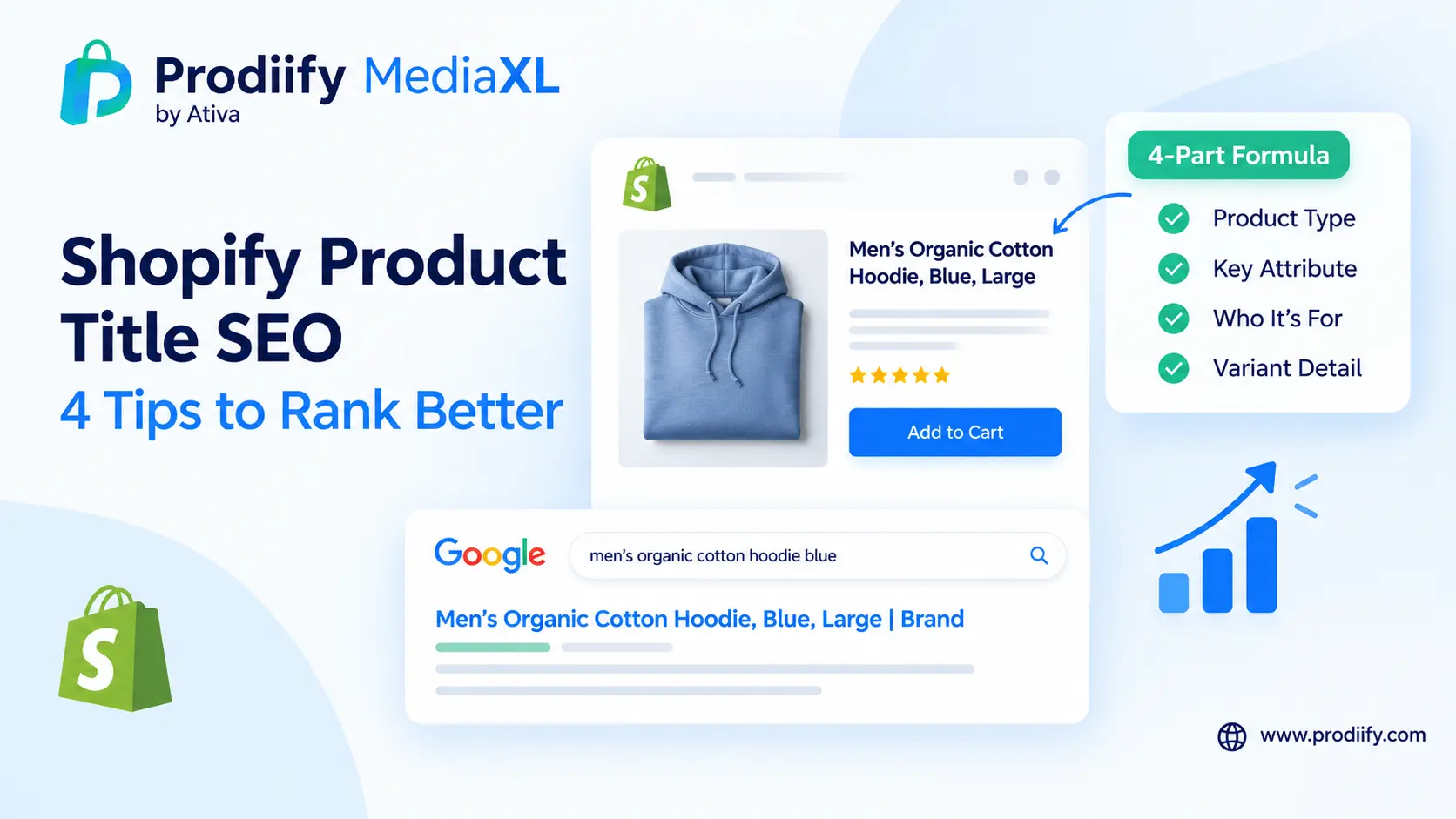
    [Product type] + [Key attribute] + [Who or what it is for] + [Variant detail]

    Brand name is optional. Add it at the end, or at the start if shoppers search for your brand by name.

    PartWhat it doesExample
    Product typeSays what it isLeather Wallet
    Key attributeThe defining featureSlim, Handmade
    Who or what forAudience or usefor Travel
    Variant detailSize, color, materialBrown, RFID-Safe

    Result: Slim Handmade Leather Wallet for Travel, Brown

    Several sources recommend putting the main product keyword first. A Shopify Community reply suggests a structure of primary keyword plus key differentiator plus brand name, such as “Waterproof Hiking Boots for Rough Terrain | Trailblazer.” An agency guide recommends a brand, type and attribute framework. The patterns differ slightly, but they agree on the core idea: be specific and lead with what the product is. shopifyvisionary-marketing

    Before and After Examples

    Weak titleBetter titleWhat changed
    Classic WatchClassic Leather Watch, Black, Water-ResistantAdds material, color and a key feature
    Hiking BootsWaterproof Hiking Boots for Rough TerrainAdds a feature and use case
    Merino SocksMerino Wool Hiking Socks, Cushioned, UnisexAdds use, feature and audience
    Candle 04Soy Wax Lavender Candle, 8 oz, Hand-PouredReplaces a code with real details
    Blue TeeOrganic Cotton Crew Neck T-Shirt, Blue, Men’sAdds material, cut and audience
    SKU-88217Stainless Steel Insulated Water Bottle, 500 mlReplaces a SKU with what it is

    The first example mirrors advice shared in the Shopify Community, where one reply gives a weak title of “Classic Watch” and a better one of “Classic Leather Watch – Black, Water-Resistant, Unisex

    How Long Should a Product Title Be?

    There is no official magic number, and Shopify does not set one for titles. Community contributors give a few useful ranges:

    • For product titles in general, one reply suggests 70 to 100 characters, balancing SEO value with readability and avoiding truncation.
    • For the SEO title that appears in Google results, a community answer suggests around 50 to 60 characters, with the primary keyword or product name near the beginning.

    Treat these as guides, not rules. The practical test: is it clear on a phone screen, and does it still make sense if it gets cut off?

    Product Title vs SEO Title

    Your product title and your SEO title can be different, and for many stores they should be.

    • Product title: what shoppers see on the product page and in your store. It should read naturally and match your brand voice.
    • SEO title (title tag): what appears as the headline in Google results. Edit it in the Search engine listing section at the bottom of the product page.

    One guide explains the benefit: if your store display title needs to differ from your SEO title, which is common for variant-rich products, use the SEO title field in the search engine listing preview. Another notes that by default Shopify pulls the product title into the title tag, then appends the store name.

    Leaving the field blank has a cost too. According to one community reply, if you leave it blank, Shopify falls back to the first lines of your body text, which usually reads flat. To avoid that, set your title tag on purpose.

    Putting It Into Practice: 5 Steps

    Good Shopify product title SEO is easier when you work through your store in this order.

    1. Start with your top ten products. Pick the best sellers or highest-traffic pages first.

    2. Rewrite each title with the formula. Put the product type first, then the key attribute, audience and variant detail.

    3. Make every title unique. One community answer warns against using the same title across multiple products, because similar items then compete with each other in search.

    4. Check the URL handle. Keep it short and readable. A community reply gives the example of merino-wool-socks rather than best-warm-merino-socks-2025. If you change a handle, use the redirect Shopify offers so the old link keeps its value.

    5. Review on mobile. Open the page on your phone and check that the title reads well and does not run on.

    Common Title Mistakes

    • Keyword stuffing. A title like “Running Shoe Best Shoe Runner Shoe for Sale” is, as one SEO guide puts it, unappealing and can harm your rankings. Read our guide on keyword stuffing on Shopify for what to write instead.
    • SKU or code only. Shoppers do not search for “SKU-88217”.
    • Missing the product type. If the title never says what the product is, it is harder to match to a search. One agency states that if your title does not contain the product type, you will not show up for relevant queries.
    • Duplicate titles across similar products.
    • Separate titles for every color or size. One source notes that if you sell a t-shirt in 8 colors, you do not need 8 separate product titles, because Shopify generates variant URLs automatically.
    • Too vague. “Classic Watch” or “Blue Tee” could be anything.
    • Too long. Titles that sprawl get cut off in search results and on mobile.

    Titles Work Best With the Rest of the Page

    A clear title is the start, not the whole job. It works best alongside strong descriptions, images and layout.

    Get Help Writing Titles, Product by Product

    Writing a clear title for every product takes thought, especially when you have a lot of them. Prodiify helps here. The AI SEO app for Shopify stores helps you write and refine titles, descriptions and other product content one product at a time, so you start from a draft rather than a blank box. For the visual side of your page, Prodiify MediaXL adds drag-and-drop blocks (Banner/Hero, Image + Text, Feature List, Gallery, Video and Carousel) to product pages, with no theme edits and no code.

    FAQs About Shopify product title SEO

    1.What makes a good Shopify product title for SEO?

    A clear structure: product type, key attribute, who or what it is for, and a variant detail such as color or size. Lead with what the product is, and add your brand name at the end if it helps.

    2.How long should a Shopify product title be?

    There is no official limit. Community advice suggests roughly 70 to 100 characters for the product title and about 50 to 60 characters for the SEO title that appears in Google results. Prioritize clarity over hitting a number.

    3.Does changing a product title hurt SEO?

    The title itself can be edited safely, and the page URL only changes if you edit the handle. If you do change a handle, use the redirect Shopify offers so the old link keeps its value.

    4.What is the difference between a product title and a title tag?

    The product title is the headline on your product page. The title tag, or SEO title, is what appears in Google results. By default Shopify uses the product title for both, but you can set a separate SEO title in the Search engine listing section.

    5.Can I A/B test product titles in Shopify?

    Shopify does not have native title testing, so changes are usually compared before and after, or tested with a third-party tool. Change one thing at a time and track results over several weeks.

    6.Should I put keywords in my product title?

    Yes, but naturally. Use the words shoppers actually use to describe the product. Do not repeat the same term several times.

    Conclusion: Better Shopify Product Title SEO Starts With Clarity

    You do not need to rebuild your store to improve it. Clear Shopify product title SEO helps shoppers, search engines and AI tools understand what you sell, and it takes minutes per product. Start with your top ten products, apply the formula, and move on to the rest as you go.

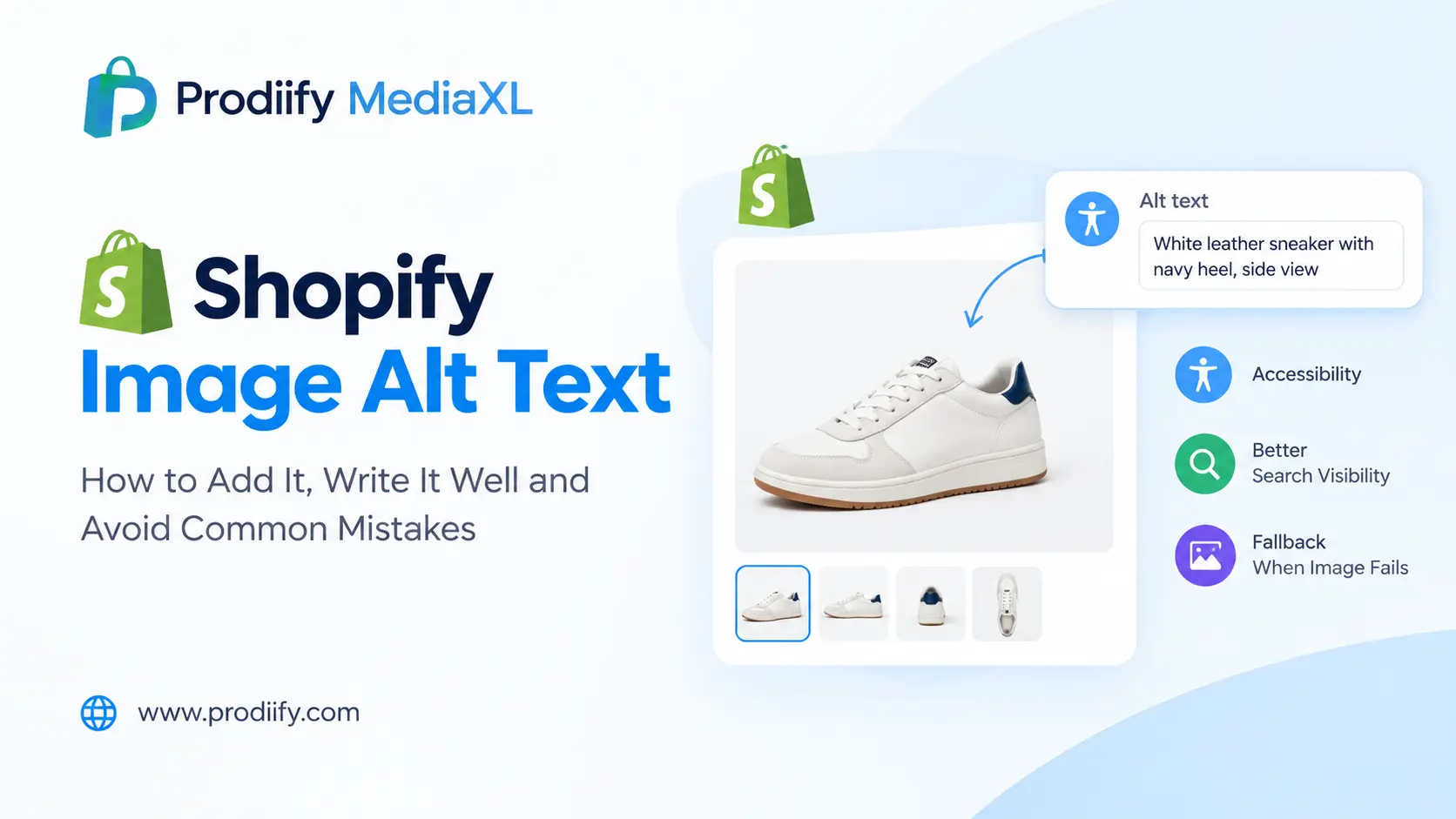
  • Shopify Image Alt Text- How to Add It, Write It Well and Avoid Common Mistakes

    Shopify Image Alt Text- How to Add It, Write It Well and Avoid Common Mistakes

    A practical guide to Shopify image alt text, with a writing formula, real examples and the exact steps inside Shopify admin.

    Every product image on your store has a hidden line of text behind it. Most merchants either leave it empty or fill it with a keyword list. Both are missed opportunities.

    Shopify image alt text is a short description of what an image shows. It matters for three reasons: shoppers using screen readers rely on it, it appears when an image fails to load, and it gives search engines and other tools extra context about your product. This guide shows where to add it, how to write it, and what to avoid.

    What Is Alt Text and Why Does It Matter?

    Shopify’s Help Center describes alt text as a description of a media item and an important part of a product description, shown if the media cannot load and used by assistive technology to describe an image to a visually impaired customer. It adds that including alt text can boost your website’s SEO.

    In practice, alt text does three jobs:

    • Accessibility. Shoppers who are blind or have low vision depend on it to understand your product photos.
    • Fallback. If an image does not load, the text appears instead.
    • Context. Search engines and AI tools use it as an extra signal about what the image shows. Our guide on how to check if ChatGPT recommends your products explains why clear product information matters more as AI shopping grows.

    How to Add Shopify Image Alt Text to a Product

    Here is how to add Shopify image alt text to a product image, following Shopify’s own steps:

    1. From your Shopify admin, go to Products.
    2. Click the name of the product you want to edit.
    3. On the product page, click a media item to open the preview page.
    4. Click Add alt text.
    5. Type your alt text and click Save alt text.
    6. Close the preview and repeat for each image.

    Shopify recommends keeping it brief and descriptive: the maximum is 512 characters, but 125 or fewer is recommended. Shopify also notes you can upload alt text in a CSV file.

    How to Add Alt Text to Theme Images

    Banners, hero images and other images in your theme have their own alt text field. Per Shopify’s help documentation:

    1. Go to Online Store > Themes.
    2. Find your theme and click Customize.
    3. In the theme editor sidebar, click the section that has the image.
    4. Click Edit on the image.
    5. Enter the alt text and click Save, then Save again in the editor.

    A Simple Formula for Writing Alt Text

    Good alt text answers one question: what would someone need to know if they could not see this image?

    Use this formula:

    [Product type] + [key attribute] + [what the image shows]

    ImageWeak alt textBetter alt text
    Front view of a walletwalletBrown handmade leather bifold wallet, front view
    Wallet being usedleather wallet best wallet cheap walletHand pulling a card from a slim brown leather wallet
    Detail shotwallet closeupClose-up of hand-stitched edge on a leather wallet
    Size comparisonsizeSlim leather wallet next to a smartphone for size comparison
    Color optionblueNavy blue leather wallet, open to show card slots

    Notice what the better versions do: they say what the product is, add one or two real details and describe the scene.

    Seven Rules for Better Shopify Image Alt Text

    1. Describe, do not stuff. One guide stresses that alt text should describe the product, not repeat the product title or stuff keywords. See our guide to keyword stuffing on Shopify for what to write instead. testparty
    2. Make each image different. Avoid using the same alt text on every photo of a product. Name the angle, detail or context.
    3. Keep it short. Aim for one clear sentence, ideally under 125 characters.
    4. Add useful details. Color, material and context help shoppers and tools understand the product.
    5. Describe scenes, not just products. For lifestyle photos, say what is happening.
    6. Handle decorative images correctly. The same guide notes that decorative images like background patterns need empty alt text rather than missing alt text. testparty
    7. Do not start with “image of”. Screen readers already announce that it is an image.

    Common Mistakes to Avoid

    • Leaving it empty on product photos
    • Repeating the product name word for word on every image
    • Keyword lists such as “wallet cheap wallet best wallet buy wallet”
    • Filenames as alt text, like “IMG_4521.jpg”
    • Describing something the image does not show
    • Forgetting variants, so every color shares the same description

    Alt Text Works Best With Everything Around It

    Alt text is one piece of the page, not a standalone fix. It works best alongside clear titles, descriptions and layout.

    Get Help Writing It, Product by Product

    Writing good alt text takes a minute per image, which adds up. Prodiify helps here: the AI SEO app for Shopify stores helps you write and refine product content, including alt text, one product at a time, so you spend less time starting from a blank box. For the visual side of your page, Prodiify MediaXL adds drag-and-drop blocks (Banner/Hero, Image + Text, Feature List, Gallery, Video and Carousel) to product pages, with no theme edits and no code.

    A 15-Minute Alt Text Routine

    1. Pick your five best-selling products.
    2. Open each image in Shopify admin and check for missing or keyword-stuffed alt text.
    3. Rewrite using the formula: product type, key attribute, what the image shows.
    4. Make sure each image on a product has different alt text.
    5. Repeat with the next five products next week.

    FAQs About Shopify image alt text

    1.What is Shopify image alt text?
    It is a short written description of an image that you add in Shopify admin. It is read aloud by screen readers, displayed when an image cannot load, and gives search engines extra context about the picture.

    2.Where do I add alt text in Shopify?
    Go to Products, open the product, click a media item, choose Add alt text, enter the description and save. For theme images, use Online Store > Themes > Customize and edit the image in the relevant section.

    3.How long should alt text be?
    Shopify allows up to 512 characters but recommends 125 or fewer. One clear sentence is usually enough.

    4.Does alt text help SEO?
    Shopify says it can boost SEO, and it gives search engines extra context. Treat it as one helpful signal among many, not a ranking trick.

    5.Should every image have alt text?
    Product and informational images should. Purely decorative images should have an empty alt attribute rather than none at all.

    Better Shopify Image Alt Text Is a Small Fix With Lasting Value

    Alt text takes a minute per image and helps shoppers, screen reader users and search tools understand what you sell. Start with your best sellers, describe what each image shows, and avoid keyword lists. Small, accurate details beat repetition every time.

    Prodiify free on the Shopify App Store and write clearer product content, one product at a time.

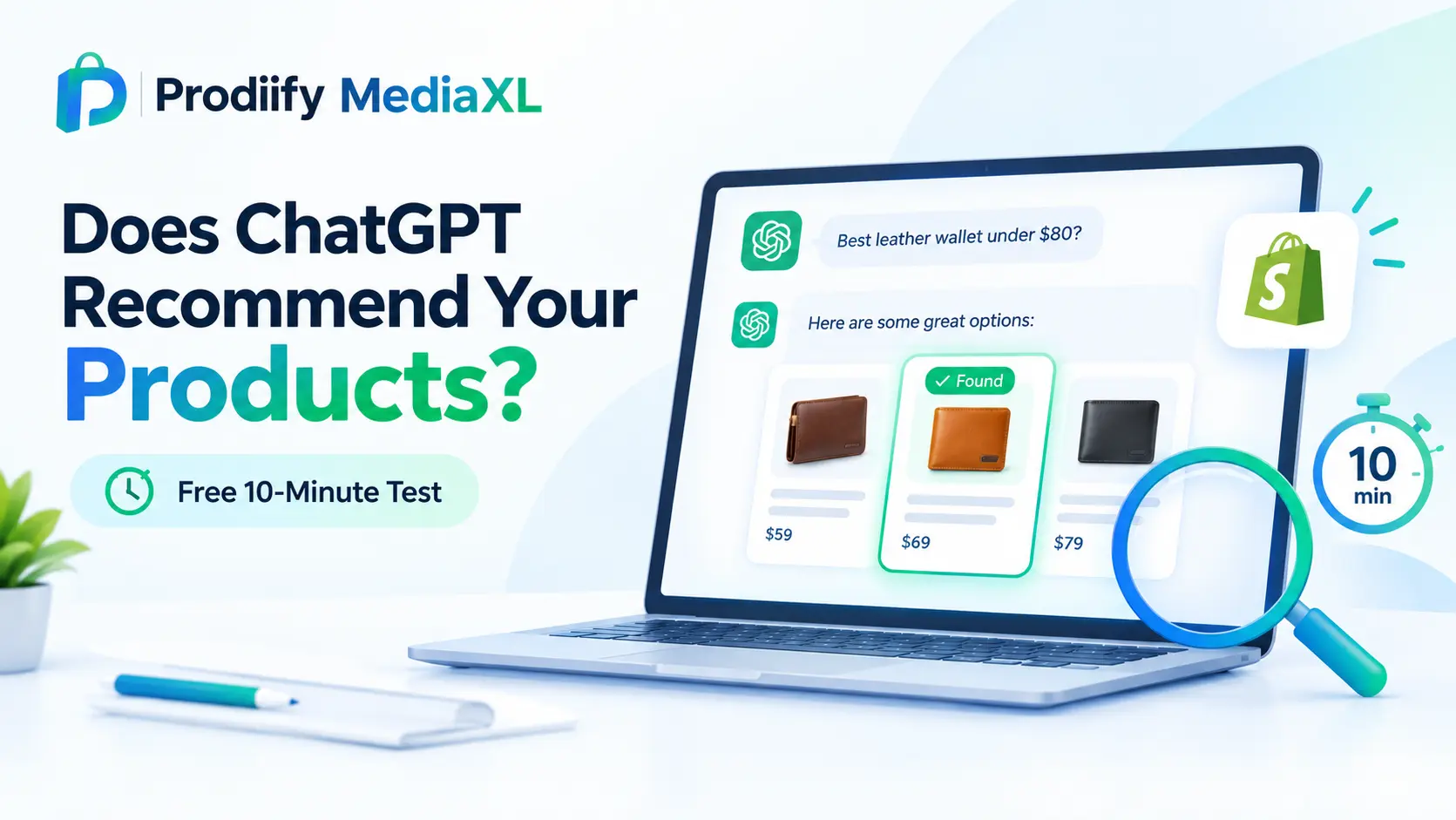
  • How to Check if ChatGPT Recommends Your Products- A Free 10-Minute Test for Shopify Merchants

    How to Check if ChatGPT Recommends Your Products- A Free 10-Minute Test for Shopify Merchants

    How to check if ChatGPT recommends your products, how to read the results honestly, and what to fix if your store is missing from the answer.

    Shoppers are asking ChatGPT questions like “best handmade leather wallet under $80” and acting on the short list that comes back. If your store is not in that list, you will probably never know it happened.

    The good news is that you can check, for free, in about ten minutes. This guide shows you how to check if ChatGPT recommends your products, how to score what you find, and why a single result should never be treated as a verdict.

    Why This Test Is Worth Running

    AI-driven shopping traffic is no longer a rounding error. On Shopify’s Q1 2026 earnings call, the company said AI-driven traffic to its stores grew 8x year over year, while orders from AI-powered searches rose nearly 13x. For more background, read our guide to Shopify agentic commerce.

    A quick test will not give you a ranking. It will give you a snapshot of how your category looks from a shopper’s side, and a list of things to improve.

    What This Test Is (and Is Not)

    Be clear about the limits before you start:

    • It is not a ranking. One tracking guide stresses that ChatGPT recommendations are not a single rank you can check once.
    • Answers vary. One guide on DIY checks notes that answers vary 99 times out of 100. Run several prompts and look at patterns, not one response.
    • It is a signal, not a diagnosis. Missing from an answer can have several causes, including how an answer was phrased, personalization, and how much other trusted sources say about your brand.

    Before You Start- Set Up a Fair Test

    Most people run this test the wrong way. Avoid these mistakes:

    1. Do not type your brand name. One guide points out that checking your own brand name is not the same as checking whether ChatGPT recommends you. A real shopper does not know your name yet.
    2. Use a fresh or logged-out session. In your normal account, ChatGPT may draw on memory of your past chats, which skews results compared with what a stranger sees. If you use a paid account, turn memory off or use a temporary chat.
    3. Use specific prompts. A tracking guide calls “best running shoes” a weak test, because the audience and use case are unclear. Include a need, a constraint and a product category.
    4. Test your own market. If you sell in more than one country, test each separately.

    Run the Test: How to Check if ChatGPT Recommends Your Products

    Open a fresh session and run these prompts, replacing the brackets with your own details. Use the formula “best [product type] for [customer or situation]”, then add a constraint like price, material or occasion.

    Discovery prompts (no brand name):

    1. Best [product type] for [customer]
    2. Best [product type] under [price]
    3. [Product type] for [specific use case]
    4. Gift ideas for [person] who likes [interest], under [price]

    Comparison prompts:
    5. What should I look for when buying [product type]?
    6. Alternatives to [well-known competitor] for [use case]
    7. [Material or feature] [product type]: what are the best options?

    Detail prompts:
    8. Which [product type] is best for [specific problem]?
    9. [Product type] that ships to [your country] and is made from [material]
    10. Where can I buy [niche product type] online?

    Example for a leather goods store: “Best handmade leather wallet under $80”, “Slim leather wallet for travel”, “Gift for a dad who likes quality leather goods.”

    How to Score Your Results

    Log each answer in a simple sheet. A visibility guide suggests tracking a mention rate, meaning the share of prompts where your brand appears anywhere in the answer, and a recommendation rate, meaning the share where your brand is positioned as a suggested option. marketerhire

    PromptMentioned?Recommended?Who appeared instead?Sources citedDate
    Best handmade leather wallet under $80Yes / NoYes / No

    Then calculate:

    • Mention rate = prompts where you appear ÷ total prompts
    • Recommendation rate = prompts where you are recommended ÷ total prompts

    Repeat the test every few weeks. One guide considers a quarterly check fine for most businesses, but if you are actively improving your listings, checking monthly shows whether your changes are working.

    How to Read the Results

    What you seeWhat it may meanWhere to start
    You never appearYour products may be hard for AI to understand or findProduct data and descriptions
    You appear for some prompts but not othersGaps in specific attributes, such as material or use caseDetail and attribute coverage
    Competitors appear with sources citedOthers have more supporting content or mentionsContent and external mentions
    You appear, but details are wrongOutdated or unclear information about your productsAccuracy and consistency

    One more insight from the research: AI tends to recommend what other trusted sources recommend, which is often why competitors show up. So the fix is rarely only about your own product pages. Reviews, mentions and clear product information all play a part.

    Coredna’s product retrieval test frames the core question well: whether the facts about your products can be reached by the system assembling the answer. That is a data question, and a data question can be fixed.

    What to Fix if Your Store Is Missing

    You do not need a rebuild. Work through this list, starting with your best sellers.

    1. Make Your Product Data Clear and Complete

    Say what the product is, who it is for, what it is made of, what sizes it comes in and how it is used. Our guide to enhanced product descriptions on Shopify shows the format. To draft faster, use an AI product description generator for Shopify, a Shopify product description generator or these ChatGPT prompts for Shopify product descriptions.

    2. Replace Keyword Repetition With Specifics

    Repeating the same phrase adds no new information. Read our guide on keyword stuffing on Shopify to see what to write instead.

    3. Cover the SEO Basics

    Titles, meta content and a healthy site help every channel. Work through our Shopify SEO checklist, these Shopify SEO tips and the Shopify technical SEO checklist.

    4. Go Deeper on AI Search

    Once the basics are in place, read our guides to Shopify AI search optimization for ChatGPT and how to get your Shopify products in ChatGPT.

    5. Make the Page Convince Once They Arrive

    Being mentioned is only half the job. The page still has to close the sale. See our guide to Shopify product page design. If you sell on marketplaces too, Shopify vs Amazon product pages shows where the gap tends to appear. To understand the idea behind richer pages, read about A+ Content for Shopify or compare options in our Amazon A+ Content alternative for Shopify breakdown.

    Fix It Across Your Whole Catalog

    Fixing five listings by hand is simple. Fixing five hundred is where most stores stall.

    Prodiify is built for that. The AI SEO app for Shopify stores improves titles, descriptions and meta content in bulk, so more of your catalog is clear and complete. Prodiify MediaXL then adds drag-and-drop blocks (Banner/Hero, Image + Text, Feature List, Gallery, Video and Carousel) to your product pages, with no theme edits and no code.

    Your 10-Minute Plan

    1. Open a fresh or logged-out ChatGPT session.
    2. Run five to ten category prompts without your brand name.
    3. Log whether you are mentioned, who appears instead and which sources are cited.
    4. Pick your top three products and improve their titles, descriptions and details.
    5. Run the same prompts again in a few weeks and compare.

    FAQs

    1.How do I check if ChatGPT recommends my products?

    Open a fresh or logged-out ChatGPT session and ask the questions your customers would ask, such as “best [product type] for [customer]”, without typing your brand name. Record whether your store is mentioned, who appears instead and which sources are cited.

    2.Why should I avoid using my brand name in the test?

    Shoppers who do not know you yet will not type your name. Prompts that describe a need and a category show whether you enter consideration.

    3.Is one ChatGPT answer enough to judge my visibility?

    No. Answers vary between sessions and users. Run several prompts, repeat the test over time and look at patterns.

    4.What if ChatGPT does not mention my store?


    Treat it as a signal, not a verdict. Check whether your product data is clear and complete, whether you have supporting reviews or mentions elsewhere, and whether your pages are easy for AI tools to understand.

    5.Can I guarantee ChatGPT will recommend my products?

    No. Platforms apply their own ranking logic, and no one can promise a recommendation. Clear, accurate product information improves your chances of being understood and considered.

    Conclusion: How to Check if ChatGPT Recommends Your Products, and What to Do Next

    Running this test takes ten minutes and costs nothing. The result will not be a ranking, but it will show you how your category looks from a shopper’s side and where your product information falls short. Fix the gaps on your best sellers first, then test again and compare.

    Try Prodiify free on the Shopify App Store and make your listings clear and complete across your catalog.

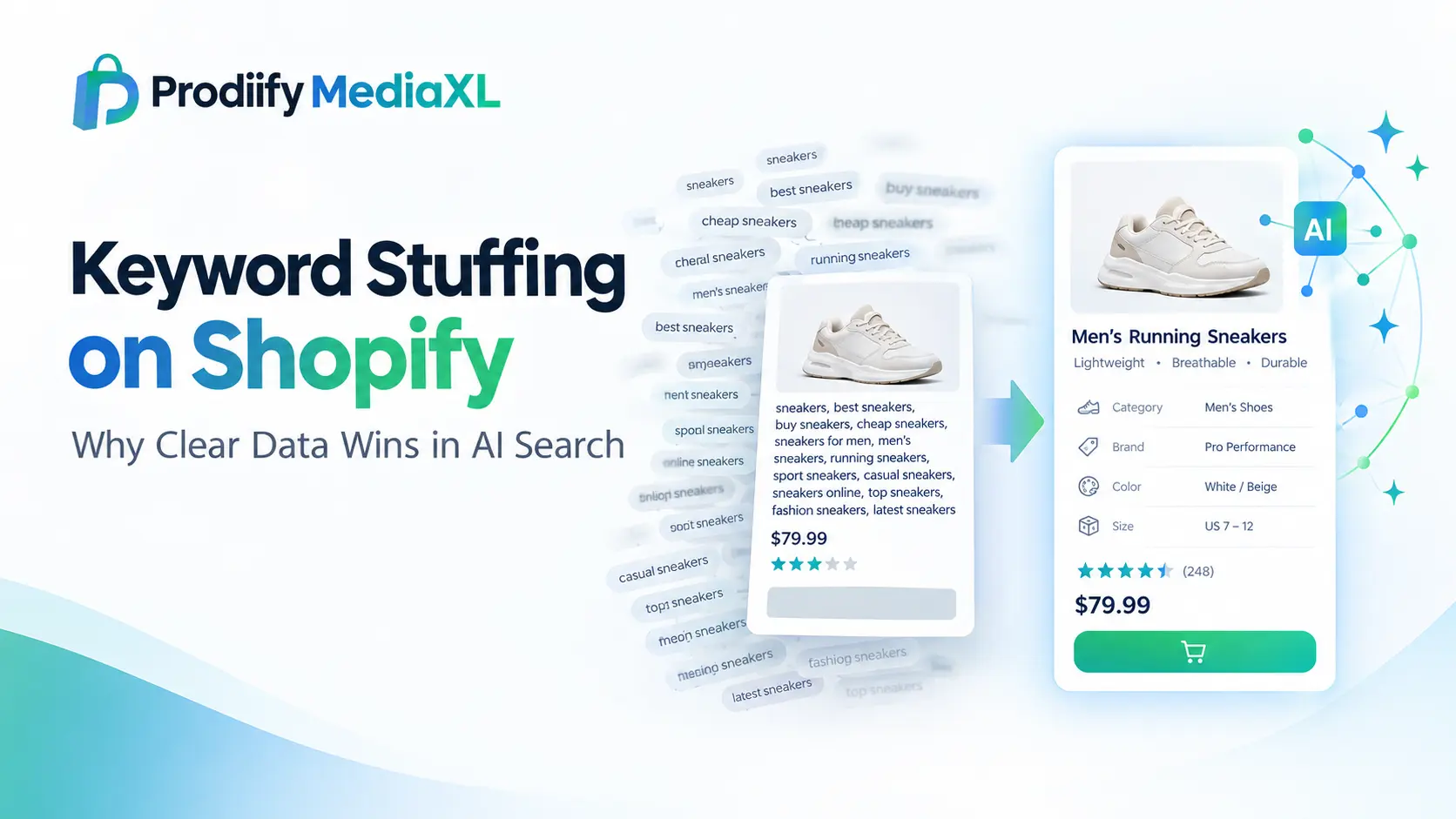
  • Keyword Stuffing on Shopify- Why Clear Data Wins in AI Search

    Keyword Stuffing on Shopify- Why Clear Data Wins in AI Search

    Keyword stuffing on Shopify was never a smart move, and AI shopping tools make it worse. Here is what to write instead.


    There is a stubborn idea in ecommerce SEO: if search is changing, the safe move is to add more keywords. More phrases in the title, more variations in the description, more terms in the tags.

    It is understandable. Keywords are the part of SEO people can see and count. But AI shopping assistants do not work like a keyword counter. They are trying to answer a specific question from a specific person, such as “a lightweight carry-on for weekend trips” or “a gift for a coffee lover under $50”. To match a product to that question, they need to understand the product. That is why keyword stuffing on Shopify now backfires: the goal is no longer to repeat what shoppers type, but to make what you sell clear, specific and complete.

    Myth vs Fact

    ClaimReality
    MythAI search means adding more keywords to every listing.
    FactAI search works better when your product data is clear, specific and structured.

    The rest of this guide explains why, shows what stuffing looks like inside a Shopify store, and gives you a simple way to replace it.

    Why Stuffing Was Never a Good Idea

    Google’s spam policies define keyword stuffing as filling a web page with keywords or numbers in an attempt to manipulate rankings in Google Search results. The same policies state that sites that violate them may rank lower in results or not appear at all. According to Ahrefs, most keyword stuffing is handled algorithmically rather than through manual actions, which means a store can lose ground quietly, with no warning email. Spam policies for Google web search +2

    It also fails the human test. A description that repeats the same phrase five times tells a shopper nothing about size, material or fit. A page that does not answer questions does not convert, however well it is “optimized”.

    Where Stuffing Hides in a Shopify Store

    Most merchants do not set out to stuff keywords. It creeps in through habit. Check these places:

    • Product titles that read like a list of search terms
    • Descriptions that repeat the product name or category in every sentence
    • Tags filled with near-duplicate variations
    • Image alt text used as a place to dump keywords. One keyword guide gives the example of alt text filled with a keyword list, which violates accessibility standards and spam policies. seonio
    • Meta titles and descriptions packed with phrases instead of a clear promise
    • Collection descriptions and footer text written for search engines rather than shoppers

    What AI Shopping Tools Actually Work From

    When AI platforms surface products from Shopify stores, they rely on structured product information. Coverage of Shopify’s setup describes the catalog as supplying product titles, descriptions, images, variants, pricing and availability in a format those services can read. The same source adds that AI agents cannot fill gaps that a merchant leaves in the catalog.

    Repetition adds no new information, so it cannot fill a gap. A clear detail can: “fits most standard cup holders” or “made from food-grade stainless steel” answers a real question.

    Data quality also seems to matter for results. On Shopify’s Q1 2026 earnings call, the CFO said that traffic from catalog-powered AI searches converts about 2x better than traffic from general AI searches using scraped or outdated information. For the bigger picture, read our guide to Shopify agentic commerce.

    One honest limit: platforms apply their own ranking logic, so no one can promise a recommendation. What you control is whether your data gives the system a good reason to include you.

    Before and After, Field by Field

    Here is an example with an imaginary product.

    FieldStuffedClear
    TitleWater Bottle Insulated Water Bottle Stainless Steel Water Bottle Gym500 ml Insulated Stainless Steel Water Bottle for Commuting and Gym
    DescriptionBest water bottle, cheap water bottle, buy water bottle online. Great water bottle for water.Keeps drinks cold for hours or hot for several. Food-grade stainless steel, leak-resistant lid, fits most standard cup holders. Hand wash recommended.
    Tagswater bottle, bottles, best water bottle, water bottlesinsulated, stainless steel, 500 ml, commuter, gym
    Alt textwater bottle cheap water bottle best water bottleSteel water bottle in matte black standing in a car cup holder
    Meta descriptionBuy water bottle, best water bottle, cheap water bottle onlineInsulated 500 ml steel bottle that fits cup holders. Cold for hours, three colors, free returns.

    (Replace “free returns” with your real policy before using this.)

    The clear versions repeat nothing and say far more: what it is, who it is for, size, material and how it is used.

    The Product Data Template

    Use this structure for every product. It covers the questions shoppers and AI assistants most often need answered.

    FieldWhat to includeExample
    What it isProduct type and defining attributeInsulated stainless steel water bottle
    Who it is forThe audience or situationCommuters and gym-goers
    MaterialsWhat it is made ofFood-grade stainless steel
    Sizes and dimensionsExact options500 ml; fits standard cup holders
    VariantsEvery option, named clearlyThree colors, named plainly
    Use casesWhen and how it is usedDaily commute, workouts, day trips
    Care and specsPractical detailsHand wash recommended
    PoliciesShipping and returnsClear and easy to find

    How to Replace Keyword Stuffing on Shopify Step by Step

    Replacing keyword stuffing on Shopify does not mean touching your whole catalog at once. Work through it in this order.

    1. Start with the products that matter most. Pick your top sellers and highest-traffic pages first.

    2. Rewrite with the template. Swap vague or repeated text for specific information. Our guide to enhanced product descriptions on Shopify shows the format in more detail. To speed up first drafts, use an AI product description generator for Shopify, a Shopify product description generator or these ChatGPT prompts for Shopify product descriptions. Always review the output so it stays accurate.

    3. Clean up titles, tags and meta content. A clear title that says what the product is and who it is for beats a keyword list. Our Shopify SEO checklist and Shopify SEO tips walk through the basics.

    4. Rewrite alt text. Describe what the image shows, in a sentence, for a person who cannot see it.

    5. Check the technical side. Clean data helps most when the site underneath is healthy. Use our Shopify technical SEO checklist.

    6. Make the page persuasive too. Clear data gets you considered, but the page still has to convince. A hero message, scannable features and good images help. See our guide to Shopify product page design. If you also sell on marketplaces, Shopify vs Amazon product pages shows where the gap tends to appear. To understand the idea behind richer pages, read about A+ Content for Shopify or compare options in our Amazon A+ Content alternative for Shopify breakdown.

    7. Go deeper on AI search. Our guides to Shopify AI search optimization for ChatGPT and how to get your Shopify products in ChatGPT cover that side in detail.

    Keep Keywords, Use Them Properly

    None of this means keywords stop mattering. Shoppers still use certain words, and your listing should use them naturally. The shift is about purpose. Keywords belong where they help someone understand the product: the title, the first sentence and the details. They do not belong repeated to fill space.

    A simple test: read your description aloud. If it sounds like a person describing a product to a friend, you are on the right track. If it sounds like a list of search terms, rewrite it.

    Doing This Across a Whole Catalog

    Rewriting five listings is easy. Rewriting five hundred is where most stores stall.

    Prodiify is built to write listings in this clear, structured way across your catalog. The AI SEO app for Shopify stores improves titles, descriptions and meta content in bulk. Prodiify MediaXL then adds drag-and-drop blocks (Banner/Hero, Image + Text, Feature List, Gallery, Video and Carousel) to product pages, with no theme edits and no code.

    A Simple Plan for This Week

    1. List your top five products.
    2. Rewrite each one using the template.
    3. Fix titles, tags and meta descriptions.
    4. Replace keyword-list alt text with real descriptions.
    5. Repeat with the next batch.

    FAQs Keyword stuffing on Shopify

    1.What is keyword stuffing on Shopify, and does it hurt my product pages?

    It is the practice of repeating keywords in titles, descriptions, tags or alt text to try to rank higher. Google’s spam policies list it as a violation for web search, and it adds no useful information for shoppers or AI tools.

    2.Does keyword stuffing help in AI search?

    No evidence suggests it does. Repetition adds no new information, whereas specific details help an assistant match a product to a shopper’s question.

    3.Should I stop using keywords altogether?

    No. Use the words shoppers actually search for, but use them naturally in titles and descriptions rather than repeating them.

    4.What product details matter most?

    What the product is, who it is for, materials, sizes, variants, use cases, care instructions and clear policies.

    5.Can I guarantee my product will be recommended by AI?

    No. Platforms apply their own ranking logic. Clear, accurate data improves your chances of being understood and considered.

    Keyword Stuffing on Shopify Has No Place in AI Search

    More keywords will not rescue a thin listing. More information will. Start with your best-sellers, describe each product clearly and completely, and keep your data accurate. Shoppers will find it easier to buy, and AI tools will find it easier to understand.

    Try Prodiify free on the Shopify App Store and write clearer listings across your catalog.

  • Shopify Agentic Commerce: What AI Shopping Means for Your Store

    Shopify Agentic Commerce: What AI Shopping Means for Your Store

    Shopify Agentic Commerce: The Merchant’s Guide to Selling Through AI Shopping

    Shoppers are asking AI what to buy. Here is what is changing, the numbers behind it, and how to make sure your products are in the answer.

    For years, an ecommerce sale followed one path: a shopper searched, clicked a result, browsed a store and checked out. That path is no longer the only one. Shoppers now describe what they need to an AI assistant and get a short list of products back, sometimes before they ever see a search results page.

    How Shopify connects your products to AI assistants, what those assistants actually read, and how to audit your catalog before more shoppers arrive this way.

    That is the core of Shopify agentic commerce: AI agents discovering, comparing and recommending products on a shopper’s behalf, with Shopify supplying the product data and checkout behind the scenes. The numbers show it is already material. Shopify told investors on its Q1 2026 call that AI-driven traffic to its stores grew 8x year over year, while orders from AI-powered searches rose nearly 13x.

    From Search Box to Conversation: What Changed

    In the traditional model, the path ran from Google to your website to checkout. With AI assistants, a shopper asks a question such as “a good waterproof jacket under $200”, and the assistant pulls matching products from a catalog rather than sending the shopper through ten tabs.

    Two things follow from this:

    • Your product data is now the storefront. The assistant often meets the shopper before your website does, so titles, descriptions, variants and prices are what get evaluated first.
    • Gaps do not get filled in for you. One agency guide on Shopify’s setup notes that AI agents cannot fill gaps that a merchant leaves in the catalog. webplanex

    How the System Works: Catalog, Storefronts and Protocols

    Shopify’s approach has three connected parts.

    Shopify Catalog

    Shopify Catalog collects and organizes a store’s product information into a clean, structured format. It supplies product titles, descriptions, images, variants, pricing and availability in a format AI services can read. aitrillionwebplanex

    Agentic Storefronts

    Agentic Storefronts are the sales channel layer. They package a store’s catalog, checkout and brand details so AI platforms can present them naturally inside a chat. Eligible merchants can review their access under Sales channels > Agentic in the Shopify Admin. aitrillionwebplanex

    Universal Commerce Protocol

    Behind the scenes, a shared standard called the Universal Commerce Protocol (UCP) helps different AI platforms talk to merchant systems. One explainer puts the benefit simply: without UCP, merchants would need custom integrations for every AI platform. ringly

    Which AI Platforms Are Involved

    Coverage varies by platform, and it keeps changing, so treat this as a snapshot and confirm current status in your Shopify Admin.

    PlatformWhat reports say
    ChatGPTDescribed as the largest channel by reach, and made automatic for eligible US-selling merchants. Shoppers browse in ChatGPT and, according to one source, finish checkout on the merchant’s own store through an in-app browser or new tab.
    Microsoft CopilotNeeds to be switched on manually in Shopify’s sales channel settings.
    Google AI Mode and GeminiStill in early access. www.aitrillion.com +3

    One point worth knowing: because purchases can complete on your own checkout, your post-purchase upsells still fire, you keep the customer data, and checkout stays on your brand. That is a meaningful difference from selling through a marketplace. trueprofit

    A caution from the same coverage: outside platforms apply their own ranking logic, so Catalog previews cannot guarantee an actual position. Nobody can promise you a recommendation. What you can control is whether your data gives the system a good reason to include you. webplanex

    Why This Matters for Smaller Stores

    A common worry is that AI will only recommend the biggest brands. Shopify’s own data suggests otherwise. In a podcast with Shopify’s VP of Product, roughly 70% of AI-attributed orders last year fell outside the top 100 product categories. AI matches products to the shopper’s stated need, so a well-described niche product has a real opening. transistor

    Data quality also shows up in conversion. Shopify’s CFO said that traffic from catalog-powered AI searches converts about 2x better than traffic from general AI searches working from scraped or outdated information. You can read the coverage at Digital Commerce 360 and PYMNTS. digitalcommerce360

    Your Readiness Audit for Shopify Agentic Commerce

    Use this checklist on your top products first. Each row maps to something an AI assistant has to read or infer.

    What to checkWhy it mattersWhat good looks like
    Product titleThe first signal of what the item isSays what it is, who it is for and the key attribute
    DescriptionWhere the assistant finds use cases and differencesBenefits, use cases, materials, sizing and specs in clear sections
    VariantsShoppers ask for size, color and fitEvery variant named clearly, with no vague labels
    Price and availabilityWrong data breaks trust fastAccurate and current
    ImagesConfirm what the text claimsSeveral angles, with descriptive alt text
    PoliciesShoppers ask about shipping and returnsClear, easy to find and consistent
    Metafields and attributesExtra detail the catalog can useFilled in where relevant, not left empty

    Then run a simple reality test, suggested in one merchant guide: open ChatGPT, search your own product category and see whether your store comes up. It is not a ranking tool, but it shows you how your category looks from the shopper’s side. trueprofit

    What Merchants Should Do Next

    You do not need a rebuild. Prioritize in this order.

    1. Fix the content that machines and people both read. Replace thin copy with specific, structured information. Our guide to enhanced product descriptions on Shopify shows the format. To draft faster, use an AI product description generator for Shopify, a Shopify product description generator or these ChatGPT prompts for Shopify product descriptions.

    2. Keep the SEO foundations solid. Clear titles, meta content and a technically healthy site help every channel. Work through our Shopify SEO checklist, these Shopify SEO tips and the Shopify technical SEO checklist.

    3. Go deeper on AI-specific optimization. Our guides to Shopify AI search optimization for ChatGPT and how to get your Shopify products in ChatGPT cover that side in detail.

    4. Make the landing page persuasive. Even when checkout happens on your store, the shopper still needs convincing. A strong hero message, scannable features and good visuals matter. See our guide to Shopify product page design. If you also sell on marketplaces, Shopify vs Amazon product pages shows where the gap usually appears. To understand the idea behind richer pages, read about A+ Content for Shopify or compare options in our Amazon A+ Content alternative for Shopify breakdown.

    Doing the Work Across a Whole Catalog

    An audit of five products is easy. An audit of five hundred is where stores stall, and where tooling pays off.

    Prodiify is built for that. The AI SEO app for Shopify stores improves titles, descriptions and meta content in bulk, so more of your catalog is complete and consistent. Prodiify MediaXL then adds drag-and-drop blocks (Banner/Hero, Image + Text, Feature List, Gallery, Video and Carousel) to product pages, with no theme edits and no code.

    A Four-Week Rollout Plan

    1. Week 1: Check your agentic channel settings in Shopify Admin and run the category test. List your top 20 products.
    2. Week 2: Rewrite titles and descriptions for the top 20, and fill in missing variant and attribute details.
    3. Week 3: Improve images, alt text and policy pages. Upgrade the product page layout for the top five.
    4. Week 4: Move to the next batch of products and compare performance on updated versus untouched listings.

    Frequently Asked Questions

    What is Shopify agentic commerce?
    It is the system that lets AI assistants such as ChatGPT, Copilot and Gemini discover and recommend products from Shopify stores, using structured product data from Shopify Catalog, with Shopify handling checkout.

    Do I need to install an app to appear in ChatGPT?
    For eligible US-selling merchants, one guide reports the connection is automatic, with no app install needed. Eligibility and rollout can change, so check Sales channels in your Shopify Admin and Shopify’s Help Center for the current status.

    Can I guarantee my products will be recommended?
    No. Outside platforms apply their own ranking logic. You can improve your chances by making your catalog data complete, accurate and clear.

    Will AI shopping send traffic to small stores?
    It can. Shopify’s VP of Product said that a large share of AI-attributed orders came from outside the top 100 product categories, which points to opportunity for niche products.

    Do I still need strong product pages?
    Yes. Shoppers who arrive from an AI recommendation still need a page that confirms the choice and builds trust before they buy.

    Conclusion: Shopify Agentic Commerce Rewards Complete, Accurate Catalogs

    AI shopping is not replacing your store, but it is becoming another way shoppers find it. The merchants who benefit will be those with clear titles, complete descriptions, accurate data and pages that convince. Start with your best-sellers, audit one product at a time and keep improving.

    Try Prodiify free on the Shopify App Store and get your listings ready for AI shopping.

  • How to Increase Conversion Rate on Shopify

    How to Increase Conversion Rate on Shopify

    AI Sends the Shopper, Your Product Page Closes the Sale

    How to increase conversion rate on Shopify when more shoppers arrive from AI recommendations: the page they land on does the persuading.
    A shopper asks an AI assistant for a recommendation. It names a few products, maybe yours. They click through and land on your store.

    The chat is over. The only thing left to persuade them is your product page. That is why learning how to increase conversion rate on Shopify matters more as AI shopping grows: discovery brings people to the door, but the page decides whether they walk in.

    The Journey From AI Answer to Checkout

    Picture it in four steps:

    1. A question: the shopper asks an AI tool what to buy.
    2. A recommendation: the tool suggests products it can understand clearly.
    3. A click: the shopper visits the product page.
    4. A decision: the page either builds confidence or loses them.

    Most stores focus on steps one and two. Steps three and four are where sales are won or lost.

    Step One: Be Easy to Find and Understand

    Before anyone can buy, your products need to be understood. AI tools and search engines both favor pages that are clear, complete and well structured. To work on this side first, read our guides to Shopify AI search optimization for ChatGPT and how to get your Shopify products in ChatGPT.

    Solid foundations help too. Our Shopify SEO checklist, Shopify SEO tips and Shopify technical SEO checklist cover the basics that keep pages findable.

    What Closes the Sale: How to Increase Conversion Rate on Shopify Product Pages

    A recommended shopper arrives with one question: Is this really right for me? A strong page answers it fast. Here is what it needs.

    A Clear Hero Message

    State the main benefit in one sentence at the top. Shoppers who just clicked from a recommendation want confirmation, not a puzzle.

    Descriptions That Answer Questions

    Replace vague copy with benefits, use cases and specs. Our guide to enhanced product descriptions on Shopify shows what that looks like. To draft faster, try an AI product description generator for Shopify, a Shopify product description generator, or these ChatGPT prompts for Shopify product descriptions.

    Visual Proof

    Images from several angles, in-use photos and short video reduce doubt, and a scannable layout makes them easy to take in on a phone. See our guide to Shopify product page design for layout ideas.

    Marketplace-Level Polish

    Many sellers have a polished Amazon listing and a plain store page, and that mismatch makes a store feel less trustworthy. Our post on Shopify vs Amazon product pages shows where the gap appears. To understand the idea behind richer pages, read about A+ Content for Shopify, or compare options in our Amazon A+ Content alternative for Shopify guide.

    Fix Both Sides in One Place

    Most tools handle either discovery or conversion. Stores need both.

    Prodiify covers both. The AI SEO app for Shopify stores improves titles, descriptions and meta content so your products are easier to find and understand. Prodiify MediaXL then adds drag-and-drop blocks (Banner/Hero, Image + Text, Feature List, Gallery, Video and Carousel) to your product pages, with no theme edits and no code. Findable content, and a page that converts.

    A Simple Test You Can Run This Week

    1. Pick one product that already gets visits.
    2. Write a single hero message that states why someone should buy it.
    3. Add a feature list and a gallery.
    4. Publish, then compare it against similar products you have not changed.

    One test on one product will teach you more than a full redesign.

    FAQs About How to Increase Conversion Rate on Shopify

    1.How do I increase conversion rate on Shopify?

    Start with your highest-traffic product pages. Add a clear hero message, helpful descriptions, strong visuals and a mobile-friendly layout, then compare results against products you have not changed.

    2.Does AI shopping replace the need for good product pages?

    No. AI tools can help shoppers discover products, but shoppers still need a page that explains the product and builds trust before they buy.

    3.What should I fix first?

    Fix the pages that get the most visits. A small gain on a busy page matters more than a big gain on a quiet one.

    4.Can I improve product pages without a developer?

    Yes. Apps like Prodiify let you add rich content blocks and improve titles, descriptions and meta content without touching theme code.

    Conclusion: How to Increase Conversion Rate on Shopify Starts After the Click

    Being recommended is a start. Being convincing is what turns a visit into a sale. Work on both: make your products easy to find, and make your pages easy to buy from.

    Try Prodiify free on the Shopify App Store and build product pages that find shoppers and close sales.