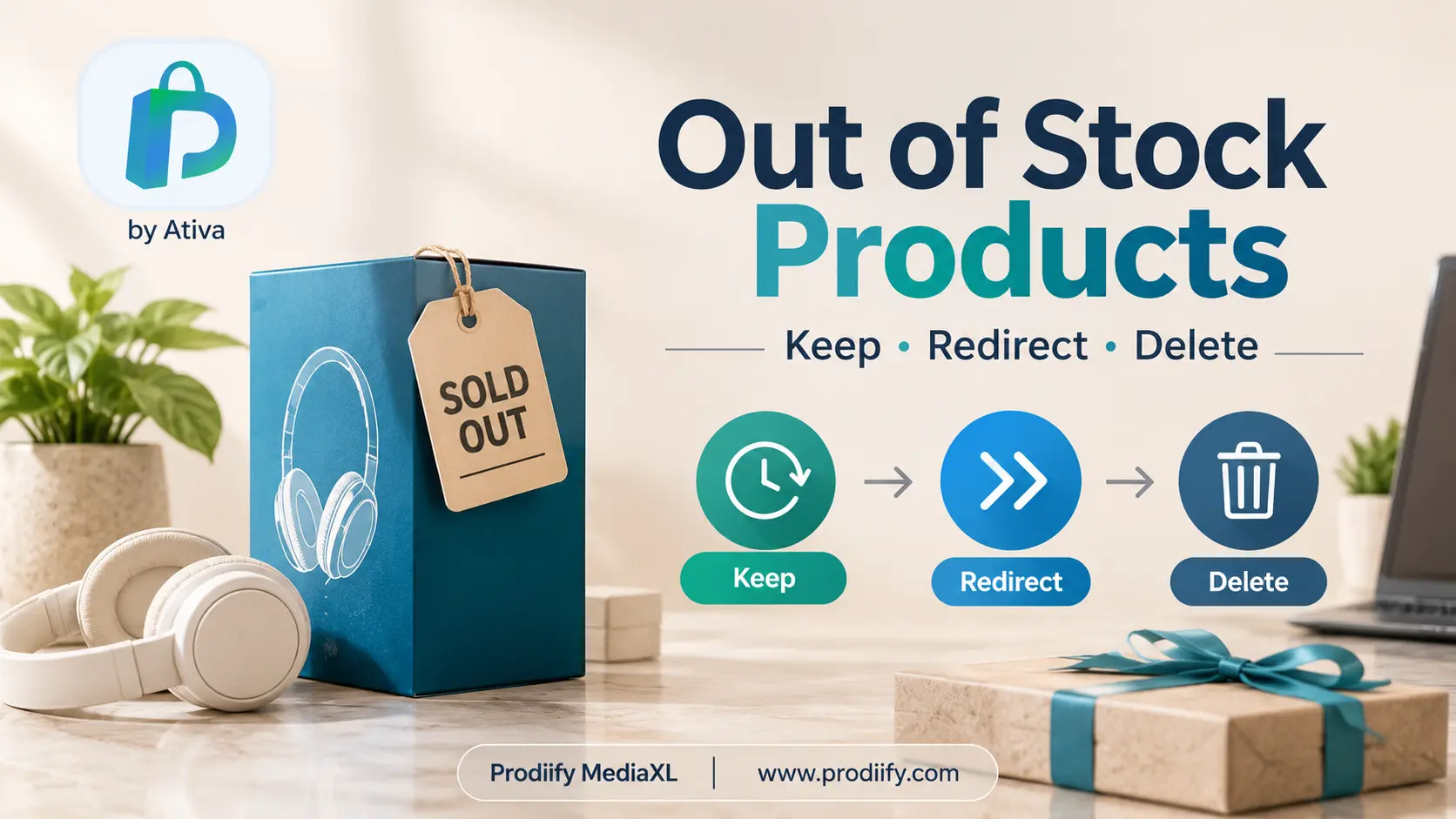
What Happens to SEO When Out of Stock Products Shopify Pages Hit Zero Inventory?
A product sells out, and the first instinct is to hide it or delete it. It feels tidy. But that page may have taken months to rank, collected links, and brought in shoppers who would happily buy something similar.
The right move depends on one question: is the product coming back, or gone for good? This guide walks through each situation so you do not lose traffic you already earned.
What Happens to SEO When a Product Goes Out of Stock?
When inventory hits zero, a Shopify product page stays live by default. The Add to Cart button changes to “Sold out,” and most themes mark the product’s availability as out of stock in the page’s structured data.
Google can still crawl, index and rank that page. The problems start when you handle it badly:
- Deleting the page creates a 404 for anyone who had it bookmarked, linked to it or found it in search.
- Redirecting everything to the homepage confuses shoppers, and Google may treat it as a soft 404.
- Leaving a dead-end page with no next step sends shoppers straight back to the results page.
A sold-out page is not a problem by itself. A page with nothing useful to offer is.
Delete, Redirect or Keep: A Quick Decision Table
| Situation | Best action |
|---|---|
| Temporarily out of stock, restock expected | Keep the page live and add restock info |
| Seasonal product, returns next year | Keep the page, update it when it returns |
| Discontinued, but a close replacement exists | 301 redirect to the replacement product |
| Discontinued, has traffic or backlinks, no replacement | Keep the page with alternatives, or redirect to the closest collection |
| Discontinued, no traffic, no links, no replacement | Archive it, or delete it and let it 404 |
| Product renamed or URL handle changed | 301 redirect from old URL to new URL |
When to Keep the Page (Temporarily Out of Stock)
If the product is coming back, keep the page exactly where it is. The URL, reviews, links and rankings all stay in place, so the product picks up where it left off the day it is restocked.
Make the page useful while it is sold out:
- Say when it is coming back. Even “Expected back in early December” builds trust. If you do not know the date, say so honestly.
- Add a back-in-stock email option. Many Shopify apps let shoppers sign up to be notified. This turns a lost sale into a future one.
- Show related products. Link to similar items so shoppers have somewhere to go.
- Keep the description and reviews intact. Do not strip the page down. A full page is what holds the ranking.
Your enhanced product description and product page design matter even more here, because the page now has to keep shoppers around without a buy button.
When to 301 Redirect (Permanently Gone, With a Replacement)
If a product is discontinued and you now sell a close replacement (a newer version, the same item in a new design), use a 301 redirect from the old URL to the new product page.
A 301 tells Google the page has moved permanently, and it passes most of the old page’s ranking signals to the new one. Shoppers who arrive from search or old links land on something they can actually buy.
The key rule: redirect to something relevant. A redirect from a discontinued blue running shoe to a similar running shoe is helpful. A redirect from it to your homepage, or to an unrelated product, is not.
How to set one up in Shopify:
- In your admin, go to Online Store → Navigation.
- Click View URL Redirects.
- Click Create URL redirect.
- Enter the old URL path (for example
/products/old-product) and the new one. - Save.
If you are only renaming a product, the Create a URL redirect checkbox appears when you edit the URL handle. Leave it ticked.
When to Delete or Archive (No Traffic, No Links, No Replacement)
Some products are genuinely finished: no restock, no replacement, no organic traffic, no backlinks. For these, it is fine to remove the page.
You have two options:
- Archive the product. It disappears from your store and the page stops loading, but you keep the product data in your admin in case you need it later.
- Delete the product. It is gone permanently.
In both cases the old URL will return a 404. That is acceptable for pages that never mattered. A handful of 404s on low-value pages will not hurt your site. What does hurt is deleting pages that were ranking or had links.
Before you delete anything, check Google Search Console. Look at the page’s impressions, clicks and links. If it has traffic or links, keep it or redirect it instead.
The Middle Case: Discontinued, but the Page Still Ranks
This is the most common mistake. A product is discontinued, but the page still gets visits from Google, and there is no direct replacement.
Instead of deleting it, turn the page into a helpful landing page:
- Keep the product information visible.
- Add a clear note that the product is discontinued.
- Link to two or three similar products or the closest collection.
- Keep the page indexed as long as it brings in visitors.
Shoppers who found you for that product still land somewhere useful, and you may turn them into a sale on something else. When traffic dries up, you can redirect or archive it later.
Don’t Forget Your Collection Pages
Sold-out products also show up on collection pages, where they can make a category look empty or stale.
Shopify lets you push sold-out products to the bottom of automated collections, so in-stock products appear first. This keeps your category pages useful for shoppers without removing the sold-out products from your store. See our guide to Shopify collection page SEO for more on keeping these pages strong.
Check Your Stock Before Black Friday
If you are heading into BFCM, now is the time to review your sold-out products. Make sure your best-sellers have a restock note and a back-in-stock option, and that discontinued pages are redirected or updated. Shoppers arriving from ads and search during a sale will not forgive dead ends. Our guide to fixing thin product listings before BFCM covers the rest of the listing checklist.
Common Mistakes to Avoid
- Deleting pages without checking Search Console. You may be throwing away traffic.
- Redirecting every sold-out product to the homepage. This is poor for shoppers and weak for SEO.
- Redirecting to an unrelated product. If the replacement is not a real match, a 404 is better.
- Leaving a stripped-down page. Keep the description, images and reviews while a product is sold out.
- Creating redirect chains. If A redirects to B and B later redirects to C, update A to go straight to C.
- Ignoring your 404 report. Review it regularly. Our Shopify technical SEO checklist shows how to catch broken pages early.
Keep the Replacement Page Strong
A redirect only helps if the page it points to is worth landing on. If you are sending traffic from an old product to a new one, check that the new page has a clear title, a complete description and a good meta description. Prodiify helps you improve titles, descriptions and meta content for each product with AI suggestions you review and approve, so the page that inherits the traffic is ready for it.
FAQs About Out of Stock Products Shopify and SEO
1. Do out-of-stock products hurt SEO on Shopify?
Not by themselves. A sold-out page can keep ranking as long as it stays live and useful. Problems come from deleting ranking pages, redirecting them badly, or leaving them with no information.
2. Should I delete out-of-stock products in Shopify?
Only if the product is gone for good and the page has no traffic, no backlinks and no replacement. If the product is coming back, keep it. If it has a replacement, use a 301 redirect.
3. Should I redirect a sold-out product to the homepage?
No. Redirect to the closest relevant product or collection. A homepage redirect is a poor experience for shoppers, and Google may treat it as a soft 404.
4. What is the difference between archiving and deleting a Shopify product?
Archiving hides the product and its page but keeps the data in your admin, so you can restore it later. Deleting removes it permanently. In both cases the old URL stops loading unless you add a redirect.
5. How do I set up a 301 redirect in Shopify?
Go to Online Store → Navigation → View URL Redirects, and create a redirect from the old URL path to the new one.
6. How long should I keep a discontinued product page?
Keep it for as long as it gets traffic or links. Once visits drop to almost nothing, redirect it to a relevant page or archive it.
Final Thoughts: What to Do With Out of Stock Products Shopify Pages
Out-of-stock does not mean out of luck. Keep pages that will return, redirect pages that have a true replacement, and only delete pages that have nothing left to give. Check Search Console before you remove anything, and always send shoppers somewhere useful.
Try Prodiify free on the Shopify App Store and keep your product pages ready for whatever comes next.
Leave a Reply